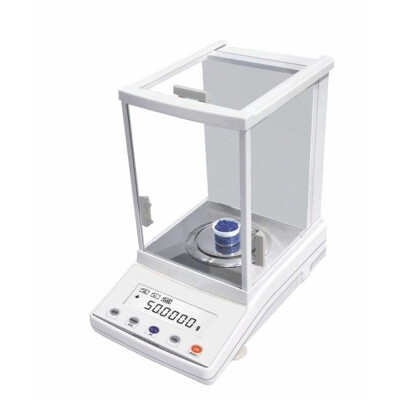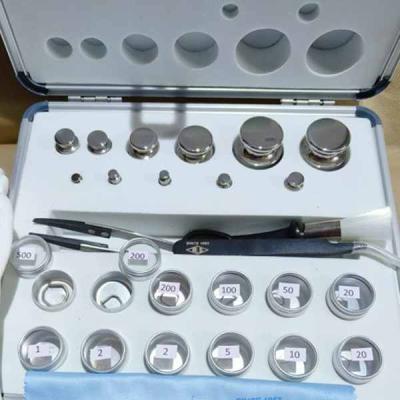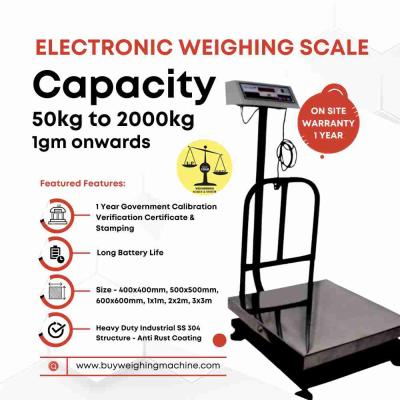


 Weighing Scale
 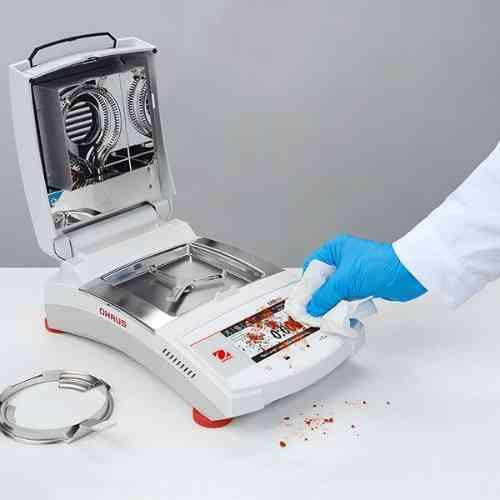 Moisture Analyzers
 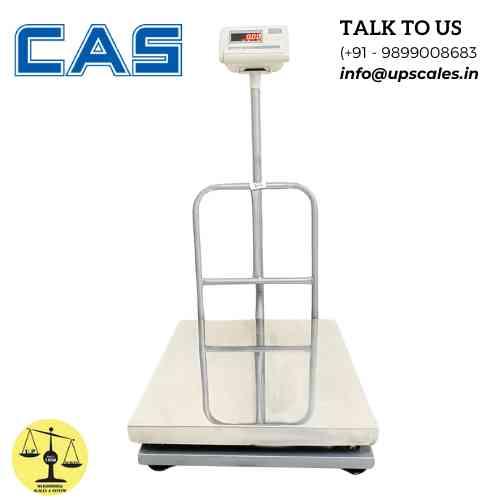 CAS Weighing Scale
  Aczet Weighing Machines
  Adam Equipment
  Sartorius
  Mettler Toledo
  Essae Weighing Scales





Scale Not Working? A Step-by-Step Troubleshooting Guide for Common Weighing Problems
 By Manish Sharma 9 months ago
Don't Call a Technician Yet: How to Diagnose 90% of Common Scale Problems Yourself
It happens to everyone. You go to weigh a load, and your trusty scale—the one you depend on every day—starts acting strange. The numbers dance, it won't zero, or maybe the screen is just blank.
Before you envision a costly repair bill and days of downtime, take a deep breath. In my years of service, I've found that a huge percentage of "broken" scales aren't broken at all. They're just suffering from a simple, fixable issue.
This guide will walk you through a logical, step-by-step diagnosis. Follow these steps, and you'll either fix the problem yourself or be able to give your technician a clear, helpful description that gets you back online faster.
Step 1: The Universal First Checks (The "Is It Plugged In?" Test)
Always start here. These simple oversights cause more service calls than anything else.
- Power Source: Is it on? For corded scales, check that the power cable is firmly connected at the scale and the wall outlet. For battery scales, is the battery charged or fresh? Is it installed correctly?
- The Surface: Is the scale on a solid, level, and stable surface? A wobbly floor, a bent pallet rack, or a squishy mat will make accurate weighing impossible. Use a spirit level.
- The Environment: Are there extreme conditions? Is a fan, vent, or open door causing air currents? Is the scale in direct sunlight or next to a freezing door? Electronic components hate temperature extremes and drafts.
- The Obvious: Is there anything physically blocking the scale? Check underneath for debris, packing materials, or even a stray tool that's propping up the platform.
Step 2: Diagnosing Specific Symptoms
Symptom: The scale is INACCURATE or INCONSISTENT.
- Quick Test: Weigh a known test weight (or an unopened, labeled bag of product). Does it match?
- Likely Culprits:
- Calibration Drift: The scale needs to be recalibrated. This is normal over time.
- Overload Damage: Have you ever dropped a heavy item or exceeded the capacity? This can permanently damage the load cell.
- Corner Load Error: Weigh the test weight in the center, then in each corner. Big differences mean a damaged load cell or a warped/platform mounting issue.
- Unstable Power: Try a different outlet or use a power conditioner if in an area with old wiring or heavy machinery.
Symptom: The display is DRIFTING (numbers move without a load).
- Quick Test: Press Tare/Zero. Does it settle at zero, or does it keep creeping?
- Likely Culprits:
- Drafts or Vibrations: Re-check the environment. Even subtle vibrations from nearby machinery can cause this.
- Electrical Interference: Is the scale's power cable or signal cable running alongside heavy motor or welder cables? Re-route them.
- Warm-Up Time: Some high-precision scales need 15-30 minutes to thermally stabilize after being powered on.
- Failing Load Cell: This is a technical possibility if environmental factors are ruled out.
Symptom: The scale WON'T ZERO or TARE.
- Quick Test: Remove everything from the platform. Is there a small, persistent weight showing?
- Likely Culprits:
- Debris: Something is physically on the load cell or underneath the platform.
- Software Lock: Some scales have a "key lock" or "function lock" that prevents taring. Check the manual to unlock it.
- Out of Range: The persistent weight may be too heavy to tare out. Some scales can only tare up to 25% of their capacity.
Symptom: An ERROR CODE appears on the display (e.g., ERR, OL, UNST).
- Action: Write down the exact code. This is your scale's way of telling you what's wrong.
- Common Codes:
- Err / EE: General error. Often requires a power cycle (turn off, wait 10 seconds, turn on).
- OL (Overload): You've exceeded the scale's capacity. Immediately remove weight.
- UNST (Unstable): The weight reading is moving too much. Check for drafts, vibrations, or something touching the scale.
- FUL (Full): The weight is at or beyond capacity.
- A specific number (e.g., Err 05): Consult your user manual. This is a specific diagnostic code from the manufacturer.
Symptom: NO DISPLAY / BLANK SCREEN.
- Likely Culprits:
- Dead Battery / No Power: Double-check Step 1.
- Blown Fuse: Some scale indicators have a replaceable internal fuse. Check the manual.
- Damaged Indicator: If power is confirmed, the display unit itself may have failed.
Step 3: The "Reset and Reconnect" Protocol
If the symptoms persist, try this sequence:
- Power Down: Turn the scale completely off.
- Disconnect: Unplug it from power AND disconnect the cable between the indicator and the scale platform (if separate).
- Wait: Let it sit for 60 seconds. This clears any temporary electronic glitches.
- Inspect: Look at all connectors for bent pins or corrosion. Blow out any dust.
- Reconnect & Power Up: Firmly reconnect everything and turn it on. This solves many electronic lock-ups.
When to Stop Troubleshooting and Call a Professional
Call a technician if:
- You see physical damage (cracked weld, dented load cell, crushed cable).
- The scale was severely overloaded or something heavy was dropped on it.
- An error code persists after a reset and you can't resolve it.
- The scale is used for legal-for-trade and is inaccurate. Do not attempt internal repairs.
- You are simply not comfortable proceeding further.
Pro-Tip for Your Service Call: When you call, be ready to tell them:
- The scale model
- The exact error code or symptom
- What you've already tried. This saves everyone time.
The Bottom Line: Be a Scale Detective
Most scale problems have logical, often simple, causes. By following this systematic approach, you empower yourself to solve common issues quickly and understand when expert help is truly needed. A well-maintained and properly used scale is a reliable partner for years.
Could your issue be a failing load cell? Learn about the Heart of Your Weighing System to understand this critical component. Need a professional diagnosis? Schedule a service call with our certified technicians.
Categories
Trending Now