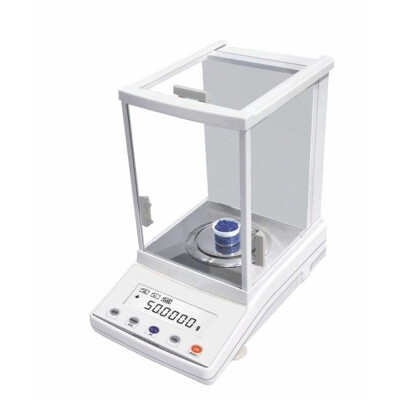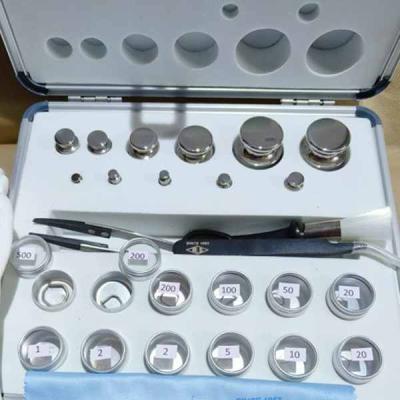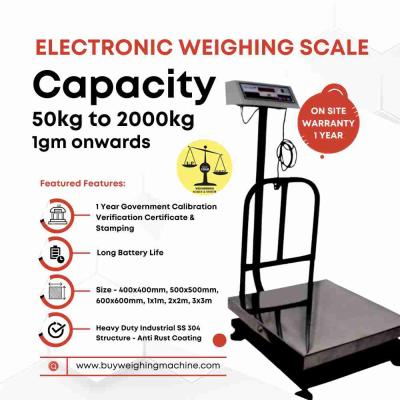


 Weighing Scale
 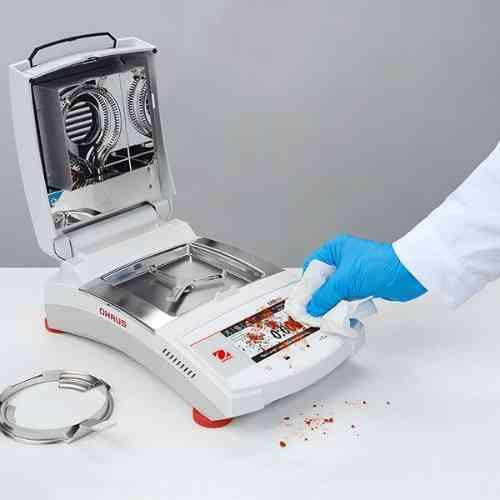 Moisture Analyzers
 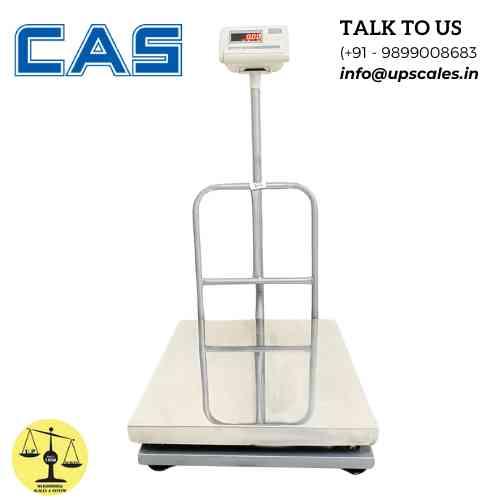 CAS Weighing Scale
  Aczet Weighing Machines
  Adam Equipment
  Sartorius
  Mettler Toledo
  Essae Weighing Scales





Master Your Inventory: How to Use a Bench Scale for Accurate Parts Counting
 By Manish Sharma 9 months ago
The Inventory Revolution: How a Simple Bench Scale Can Count 10,000 Parts in Seconds
If your team is still counting screws, bolts, or microchips by hand—or even using a tedious "count-by-weight" calculator—you're living in the past. I've walked into assembly plants where a weekly parts count shut down a production line for half a day. The switch to a bench scale with a parts counting function didn't just speed things up; it transformed their entire inventory accuracy from a rough guess to a precise science.
The power is already in your hands if you have the right scale and know how to use it. Let's unlock it. Here’s exactly how to use a bench scale to count parts with flawless accuracy.
Before You Begin: The Right Tool for the Job
Not all bench scales are created equal for counting. You need:
- A Dedicated Counting Scale or a Bench Scale with a Counting Function: Look for a "PCS" (piece count) button on the indicator.
- High Resolution: The scale must be sensitive enough to detect the weight of a single piece of your smallest part. This is critical. If your part weighs 0.1 grams, you need a scale that can resolve at least 0.01 grams.
- A Stable Environment: Place the scale on a solid, vibration-free bench, away from drafts, fans, or heavy foot traffic.
The Golden Rule: Accuracy Starts with a Good Sample
The entire system relies on one principle: If the scale knows the average weight of one piece, it can calculate the number of pieces in any total weight.
Therefore, the more accurate your sample, the more accurate your final count. A poor sample is the #1 cause of counting errors.
Step-by-Step: The Foolproof Parts Counting Method
Step 1: Prepare Your Scale & Parts
- Place the scale on a stable surface and press Tare/Zero to ensure it reads "0" with an empty container on the pan.
- Use a clean, lightweight container (a tray, bowl, or counting pan) to hold your parts. Place it on the scale and press Tare again. The display should return to "0". You are now weighing only the parts, not the container.
Step 2: The Critical Step - Enter the Sample
This is where precision is born. You have two main methods:
A) The Manual Sample (Most Common & Flexible)
- Place a known number of identical parts into your container. The bigger the sample, the better. For small items, use 50, 100, or even 500 pieces. For larger items, 10 or 25 may suffice.
- Let the weight stabilize.
- Press the PCS or Sample button.
- Use the keypad to enter the exact number of pieces you just placed on the scale (e.g., "100").
- Press Enter. The scale now calculates and stores the average piece weight (APW).
B) The Auto-Sample Feature (The Most Accurate)
Many advanced scales have an "Auto-Sample" or "Add Sample" mode.
- Press the Auto-Sample key.
- Add parts one by one. The scale will count each piece as you add it.
- After adding a sufficient number (e.g., 20-50 pieces), press Enter.
- The scale uses the total weight and the exact count you provided to calculate the APW with supreme accuracy. This eliminates any error from miscounting your sample.
Step 3: Count Your Inventory
Now for the magic.
- Empty your sample parts back into your main inventory bin or add new parts to the container.
- As you add parts, watch the display. It will now show the total piece count in large numbers, not just the weight.
- You can pour, scoop, or place parts until you reach your desired quantity (e.g., 1,250 pieces for a kit). The scale tells you the count in real-time.
Step 4: Utilizing Memory Functions (For Multiple Part Types)
Professional counting scales have multiple product memories (e.g., M1, M2, M3).
- After sampling Part A, save its APW to memory M1.
- Sample Part B and save to M2.
- You can now switch between counting different parts instantly by recalling the correct memory, without re-sampling. This is a massive time-saver for kits with multiple components.
Pro Tips to Eliminate Counting Errors
- Sample Size Matters: Never use just 1 or 2 pieces for your sample. A tiny variation in a single piece's weight will throw off the entire count. A large sample averages out these micro-variations.
- Consistency is Key: Ensure all parts are identical. If you mix two similar but different bolts (e.g., from different batches), the APW will be wrong.
- Check Your Sample: Periodically, re-weigh your original sample count. If the counted number drifts, re-sample. Environmental factors can cause minor drift over time.
- Keep it Clean: Dust, oil, or debris on the parts adds weight. Use clean parts and keep the scale pan clean.
When Parts Counting Fails: Understanding the Limitations
The "count-by-weight" method assumes all pieces are identical. It will not work accurately if:
- Parts are inconsistently manufactured (significant weight variation).
- You are counting a mix of different items.
- Parts are wet, dirty, or have inconsistent packaging.
In these cases, you must use the scale as a verification tool for manual counts, not a primary counter.
The Bottom Line: From Labor Cost to Strategic Advantage
A bench scale with a proficiently used counting function transforms a manual, error-prone chore into a fast, reliable, and even automated process. The ROI is measured in hours of saved labor per week, the elimination of production stoppages due to part shortages, and the confidence of perfect inventory records.
Stop counting. Start knowing.
Upgrade your inventory control. Explore our selection of high-precision Parts Counting Scales with auto-sample and multi-memory functions.
Categories
Trending Now