How to Perform Internal & External Calibration (CY-C Series)
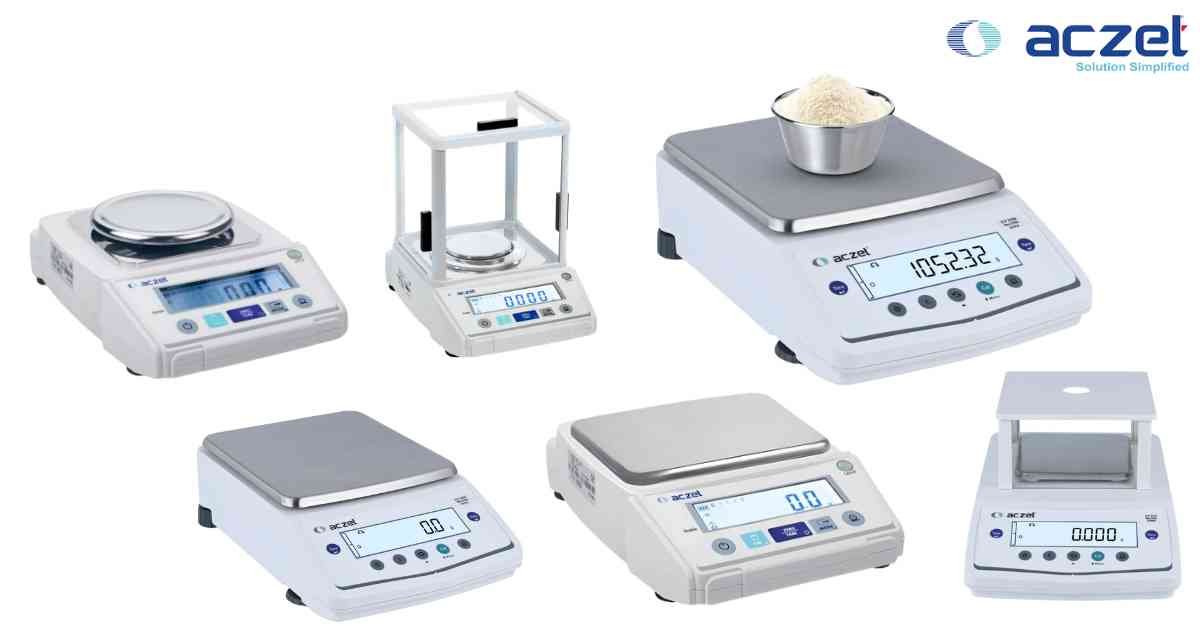
⚙️ Model Compatibility: Aczet CY-C Series.
Maintaining your CY-C balance accuracy is critical for GLP/GMP compliance. Choose your calibration method based on your current site requirements.
1. Internal Calibration (Automatic):
- Ensure the balance is level, the draft shield is closed, and the pan is empty.
- Press and hold the [CAL] key until "CAL Int" is displayed.
- The balance will automatically engage the internal weight. Calibration is complete when "Int.donE" appears on the display.
2. External Calibration (Manual):
- Ensure the balance is level and the pan is empty.
- Press and hold the [CAL] key until "CAL Et" appears.
- When the display prompts for the weight value (e.g., 200.0000g), place the required certified F1 or E2 class test weight on the center of the pan.
- The balance will register the weight and display "CAL donE" upon a successful span adjustment.
- Remove the weight and verify the reading returns to 0.0000.
Maintaining your CY-C balance accuracy is critical for GLP/GMP compliance. Choose your calibration method based on your current site requirements.
1. Internal Calibration (Automatic):
- Ensure the balance is level, the draft shield is closed, and the pan is empty.
- Press and hold the [CAL] key until "CAL Int" is displayed.
- The balance will automatically engage the internal weight. Calibration is complete when "Int.donE" appears on the display.
2. External Calibration (Manual):
- Ensure the balance is level and the pan is empty.
- Press and hold the [CAL] key until "CAL Et" appears.
- When the display prompts for the weight value (e.g., 200.0000g), place the required certified F1 or E2 class test weight on the center of the pan.
- The balance will register the weight and display "CAL donE" upon a successful span adjustment.
- Remove the weight and verify the reading returns to 0.0000.
Looking for a new weighing machine?
Upgrade your operations with our latest high-precision scales. We offer a wide catalog of reliable and certified machines.
Related Calibration Guides