How to Weigh Moving Subjects (Animal Weighing Mode)
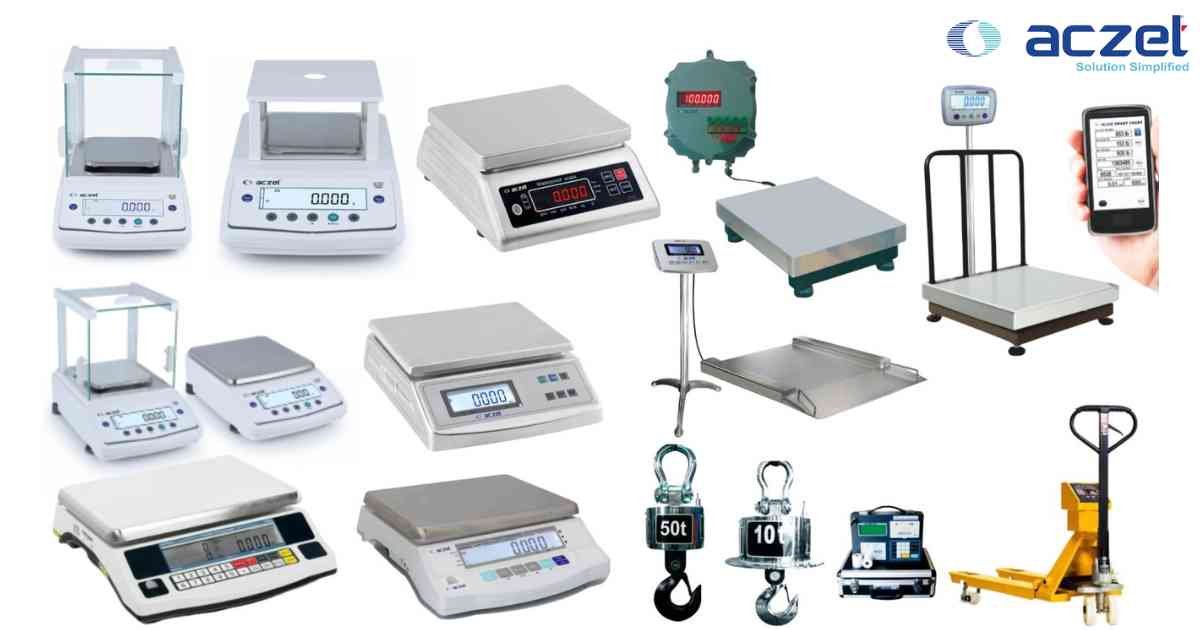
⚙️ Model Compatibility: Aczet CG & CZ Series.
When weighing live animals or unstable liquids, the scale will never stabilize. The Animal Weighing mode forces the load cell to average the weight over a set time period to lock in an accurate reading.
Procedure:
1. Navigate to Menu > Applications > Animal Weighing.
2. Place an empty weighing container on the pan and press [TARE].
3. The scale will prompt you to enter the "Duration Timer" (usually default is 10 seconds).
4. Place the subject into the container and press [START].
5. The scale will countdown from 10 seconds, averaging the dynamic force fluctuations.
6. Once the timer hits zero, the final average weight will be locked and frozen on the screen.
When weighing live animals or unstable liquids, the scale will never stabilize. The Animal Weighing mode forces the load cell to average the weight over a set time period to lock in an accurate reading.
Procedure:
1. Navigate to Menu > Applications > Animal Weighing.
2. Place an empty weighing container on the pan and press [TARE].
3. The scale will prompt you to enter the "Duration Timer" (usually default is 10 seconds).
4. Place the subject into the container and press [START].
5. The scale will countdown from 10 seconds, averaging the dynamic force fluctuations.
6. Once the timer hits zero, the final average weight will be locked and frozen on the screen.
Looking for a new weighing machine?
Upgrade your operations with our latest high-precision scales. We offer a wide catalog of reliable and certified machines.
Related Calibration Guides