Setting Up Piece Counting on Aczet Precision Scales
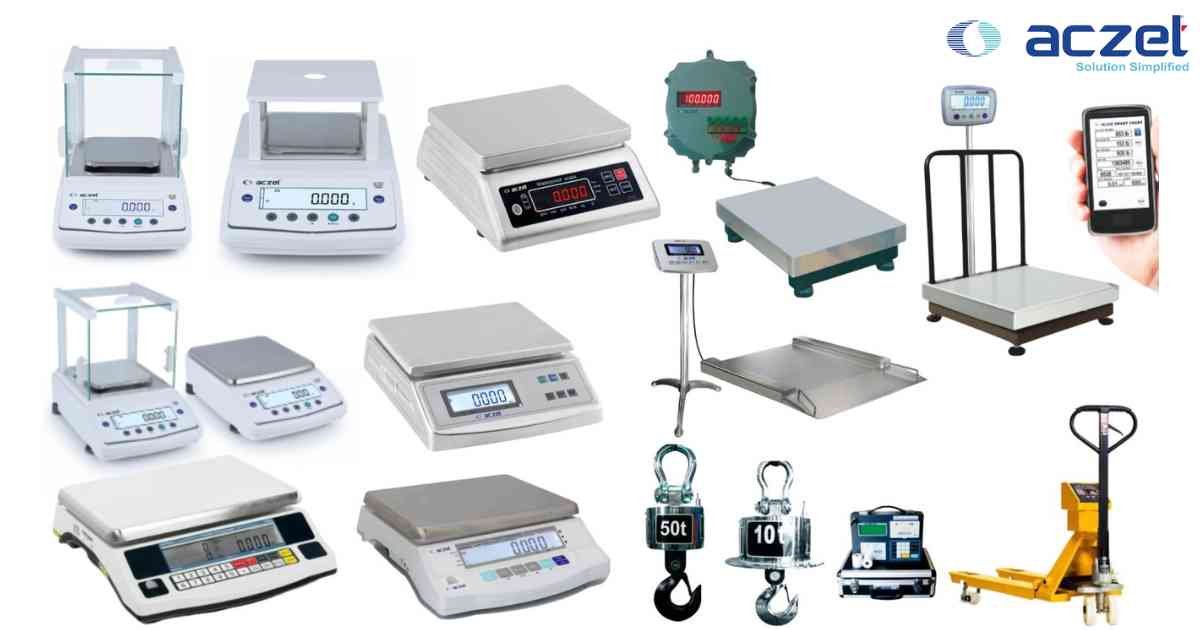
⚙️ Model Compatibility: Aczet CG, CZ, and Precision Series Balances.
For fast inventory management of small components like fasteners or electronic parts, the balance must learn the exact weight of a single piece.
Procedure:
1. Navigate to Menu > Applications > Piece Counting.
2. Place an empty container on the pan and press [TARE].
3. The screen will prompt you for a reference quantity (e.g., 10, 25, 50, or 100 pcs).
4. Count out the exact number of reference pieces requested and place them in the container.
5. Press [ENTER]. The scale will calculate the average piece weight.
6. You can now pour bulk components into the container, and the display will instantly show the total piece count instead of the weight.
For fast inventory management of small components like fasteners or electronic parts, the balance must learn the exact weight of a single piece.
Procedure:
1. Navigate to Menu > Applications > Piece Counting.
2. Place an empty container on the pan and press [TARE].
3. The screen will prompt you for a reference quantity (e.g., 10, 25, 50, or 100 pcs).
4. Count out the exact number of reference pieces requested and place them in the container.
5. Press [ENTER]. The scale will calculate the average piece weight.
6. You can now pour bulk components into the container, and the display will instantly show the total piece count instead of the weight.
Looking for a new weighing machine?
Upgrade your operations with our latest high-precision scales. We offer a wide catalog of reliable and certified machines.
Related Calibration Guides