Internal vs. External Calibration: Mastering Your Aczet Balance
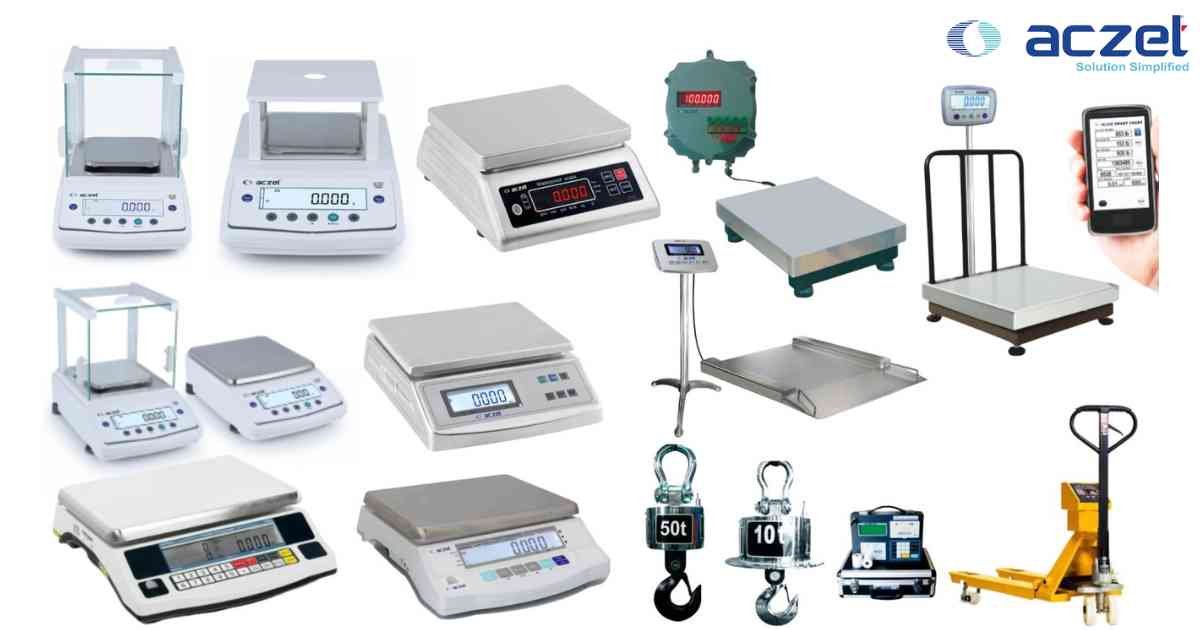
⚙️ Equipment Compatibility: Aczet CY-C, CZ, and High-Precision Series.
Aczet balances offer two distinct calibration modes. Understanding when to use which is the key to passing GLP/GMP audits.
1. Internal Calibration (Automatic Calibration):
Most Aczet high-end models feature an internal motorized weight.
- When to use: Every morning, after every significant temperature shift (>2°C), or daily as per your SOP.
- How to trigger: Press the [CAL] or [Int-Cal] soft key. The balance will automatically engage the internal weight, adjust its span, and display "PASS" once finished.
- Pro Tip: If the balance shows "Calibration Error," ensure the platter is clean and no objects are touching the draft shield.
2. External Calibration (Verification):
External calibration should be performed periodically using an external F1 or E2 class certified weight.
- How to trigger:
a. Ensure the balance is level and stable.
b. Enter the Menu > Calibration > External.
c. The display will show the required weight value (e.g., 200.0000g).
d. Carefully place the certified weight on the center of the platter.
e. The balance will register the weight and display "PASS" or "END".
Warning: If you do not have a certified weight of the exact class specified for your model, DO NOT attempt external calibration. Using an uncertified weight will compromise the balance's legal-metrology validity.
Aczet balances offer two distinct calibration modes. Understanding when to use which is the key to passing GLP/GMP audits.
1. Internal Calibration (Automatic Calibration):
Most Aczet high-end models feature an internal motorized weight.
- When to use: Every morning, after every significant temperature shift (>2°C), or daily as per your SOP.
- How to trigger: Press the [CAL] or [Int-Cal] soft key. The balance will automatically engage the internal weight, adjust its span, and display "PASS" once finished.
- Pro Tip: If the balance shows "Calibration Error," ensure the platter is clean and no objects are touching the draft shield.
2. External Calibration (Verification):
External calibration should be performed periodically using an external F1 or E2 class certified weight.
- How to trigger:
a. Ensure the balance is level and stable.
b. Enter the Menu > Calibration > External.
c. The display will show the required weight value (e.g., 200.0000g).
d. Carefully place the certified weight on the center of the platter.
e. The balance will register the weight and display "PASS" or "END".
Warning: If you do not have a certified weight of the exact class specified for your model, DO NOT attempt external calibration. Using an uncertified weight will compromise the balance's legal-metrology validity.
Looking for a new weighing machine?
Upgrade your operations with our latest high-precision scales. We offer a wide catalog of reliable and certified machines.
Related Calibration Guides