OVER CAPACITY
OVER Capacity Error
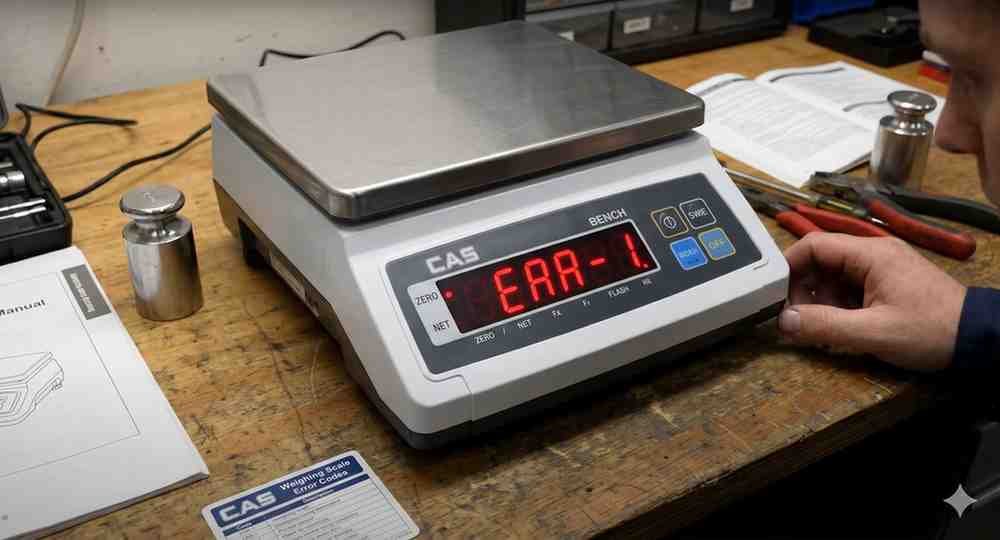
The indicator displays OVER when the applied load exceeds the maximum capacity.
Possible Causes:
• Excessive load on platform
• Incorrect capacity settings
• Mechanical obstruction
Troubleshooting Steps:
1. Remove excess weight.
2. Check scale capacity settings.
3. Inspect platform movement.
4. Verify load cell installation.
5. Restart the indicator.
Do not continue using the scale with overload conditions as this may damage the load cell.
Possible Causes:
• Excessive load on platform
• Incorrect capacity settings
• Mechanical obstruction
Troubleshooting Steps:
1. Remove excess weight.
2. Check scale capacity settings.
3. Inspect platform movement.
4. Verify load cell installation.
5. Restart the indicator.
Do not continue using the scale with overload conditions as this may damage the load cell.
Is your scale beyond repair?
Sometimes replacing an aging machine is more cost-effective than fixing it. Explore our wide range of new, high-precision weighing scales.
Related Error Codes
Related Calibration Guides