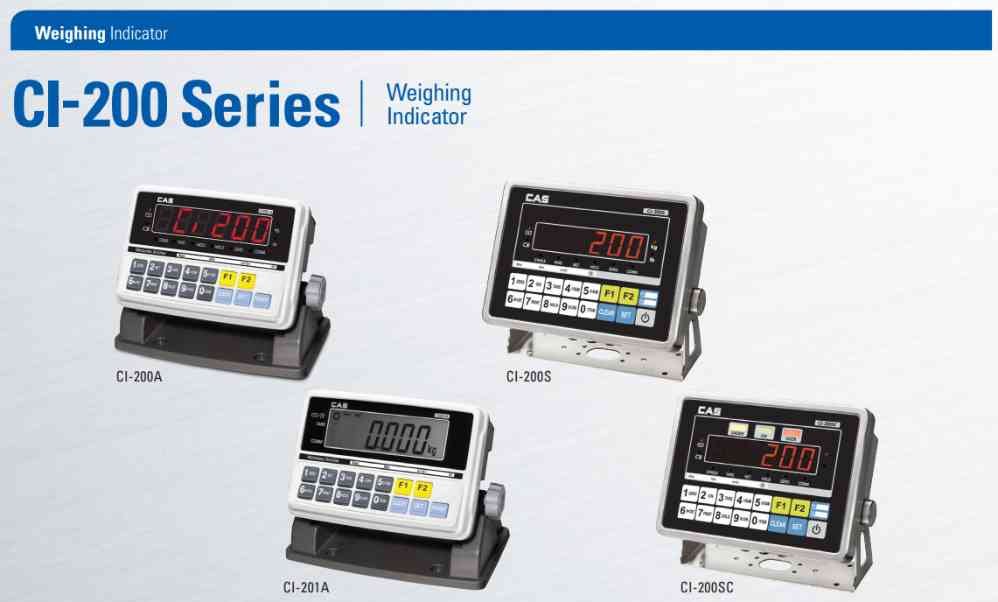
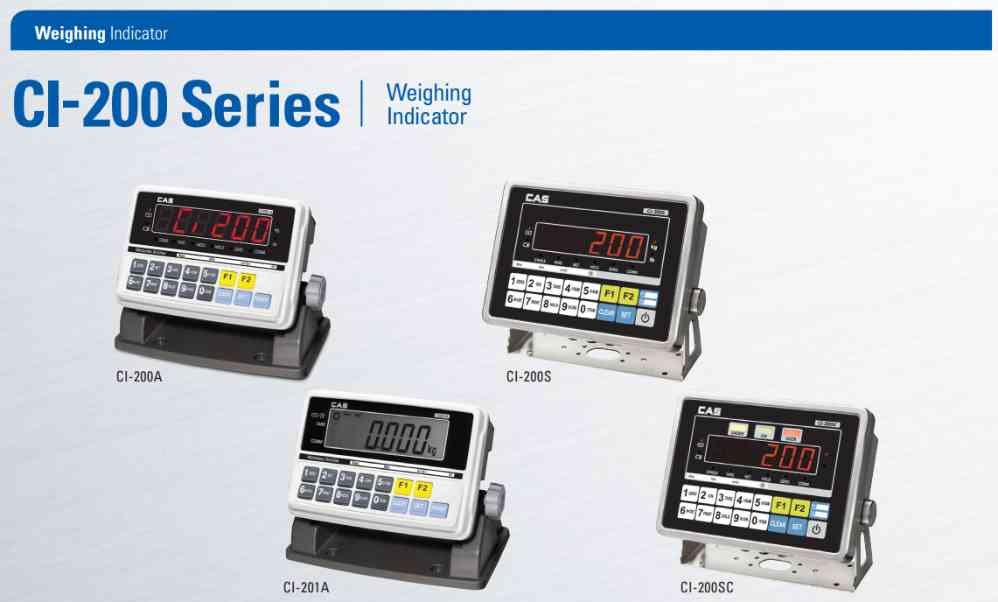
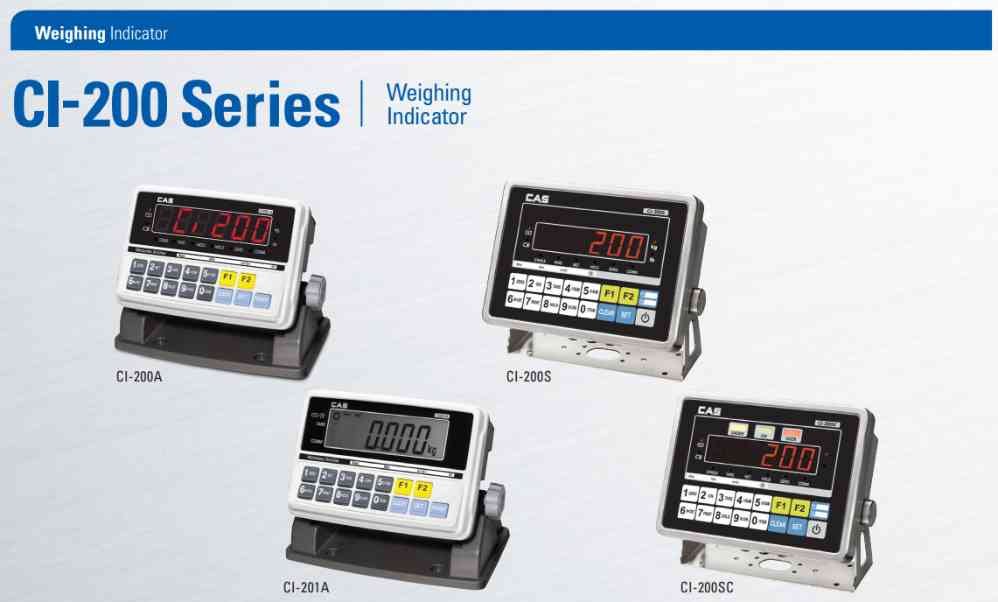
CAS CI-200 Parameter Setup Guide
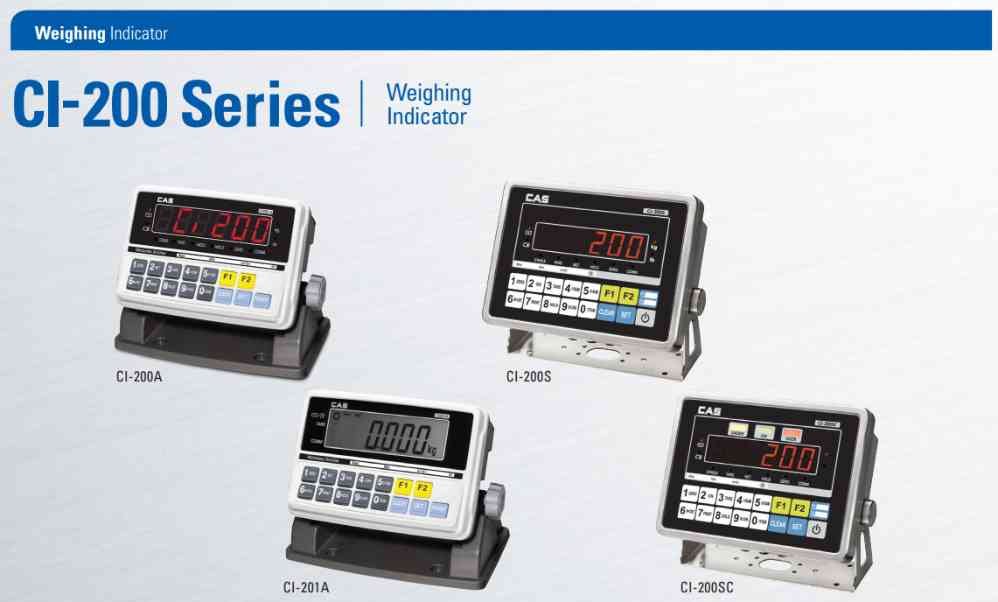
Parameter setup allows configuration of weighing functions.
Common settings include:
• Maximum Capacity
• Division Size
• Decimal Point Position
• Zero Tracking
• Auto Zero
• Communication Settings
Procedure:
1. Enter setup mode.
2. Navigate to parameter settings.
3. Adjust required values.
4. Save configuration.
5. Restart the indicator.
Always record original settings before making changes.
Common settings include:
• Maximum Capacity
• Division Size
• Decimal Point Position
• Zero Tracking
• Auto Zero
• Communication Settings
Procedure:
1. Enter setup mode.
2. Navigate to parameter settings.
3. Adjust required values.
4. Save configuration.
5. Restart the indicator.
Always record original settings before making changes.
Looking for a new weighing machine?
Upgrade your operations with our latest high-precision scales. We offer a wide catalog of reliable and certified machines.
Related Calibration Guides