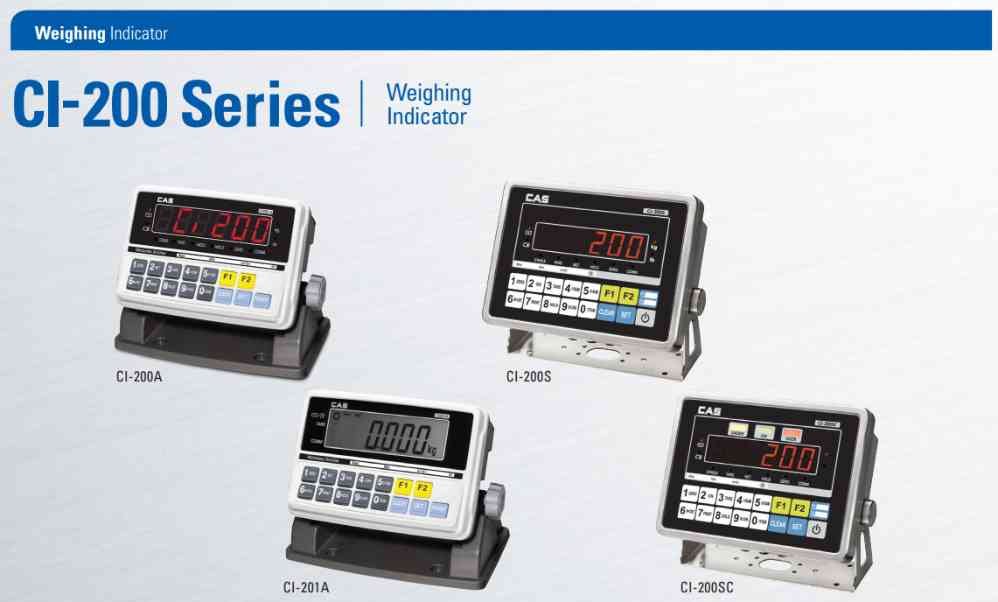
CAS CI-200 Zero Calibration Procedure
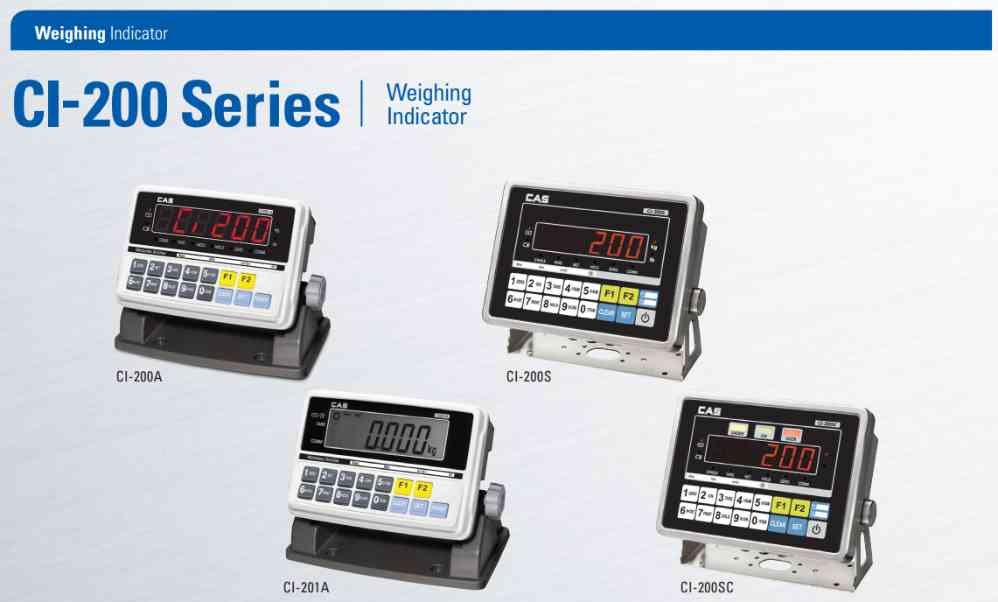
Zero calibration establishes the correct empty platform reference point.
Step 1:
Remove all weight from the platform.
Step 2:
Enter calibration mode.
Step 3:
Select Zero Calibration.
Step 4:
Verify platform stability.
Step 5:
Store the zero value.
Step 6:
Exit calibration mode.
Step 7:
Restart the indicator.
Step 8:
Verify that the display returns to zero without load.
If zero drift continues, inspect the load cell and mechanical structure.
Step 1:
Remove all weight from the platform.
Step 2:
Enter calibration mode.
Step 3:
Select Zero Calibration.
Step 4:
Verify platform stability.
Step 5:
Store the zero value.
Step 6:
Exit calibration mode.
Step 7:
Restart the indicator.
Step 8:
Verify that the display returns to zero without load.
If zero drift continues, inspect the load cell and mechanical structure.
Looking for a new weighing machine?
Upgrade your operations with our latest high-precision scales. We offer a wide catalog of reliable and certified machines.
Related Calibration Guides