ERROR 10
Tare Overflow Error
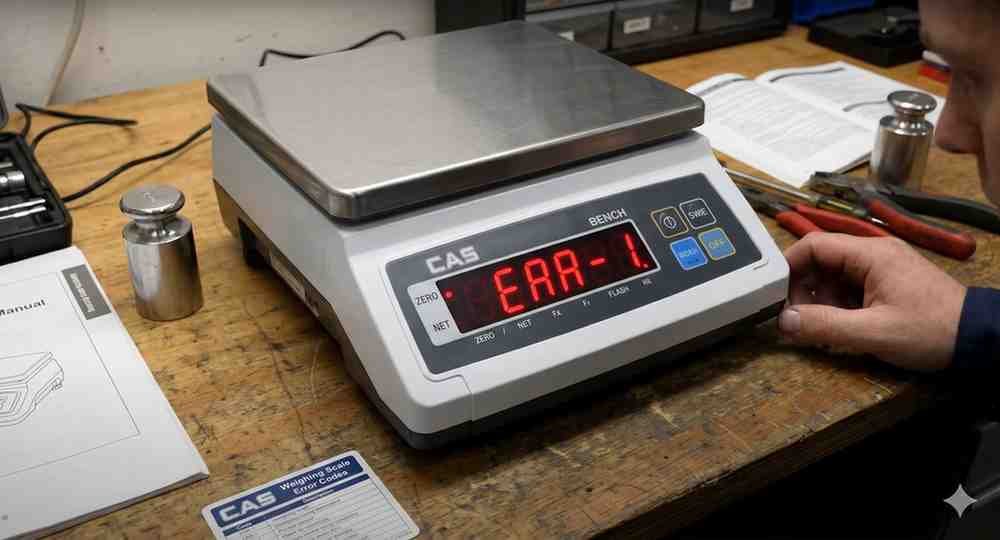
ERROR 10 occurs when the tare value exceeds allowable limits.
Possible Causes:
• Excessive tare weight
• Incorrect tare operation
• Configuration issue
Troubleshooting Steps:
1. Remove container from platform.
2. Clear tare value.
3. Verify capacity settings.
4. Apply tare again within limits.
Avoid exceeding indicator capacity.
Possible Causes:
• Excessive tare weight
• Incorrect tare operation
• Configuration issue
Troubleshooting Steps:
1. Remove container from platform.
2. Clear tare value.
3. Verify capacity settings.
4. Apply tare again within limits.
Avoid exceeding indicator capacity.
Is your scale beyond repair?
Sometimes replacing an aging machine is more cost-effective than fixing it. Explore our wide range of new, high-precision weighing scales.
Related Error Codes
Related Calibration Guides