ERROR 09
Zero Range Error
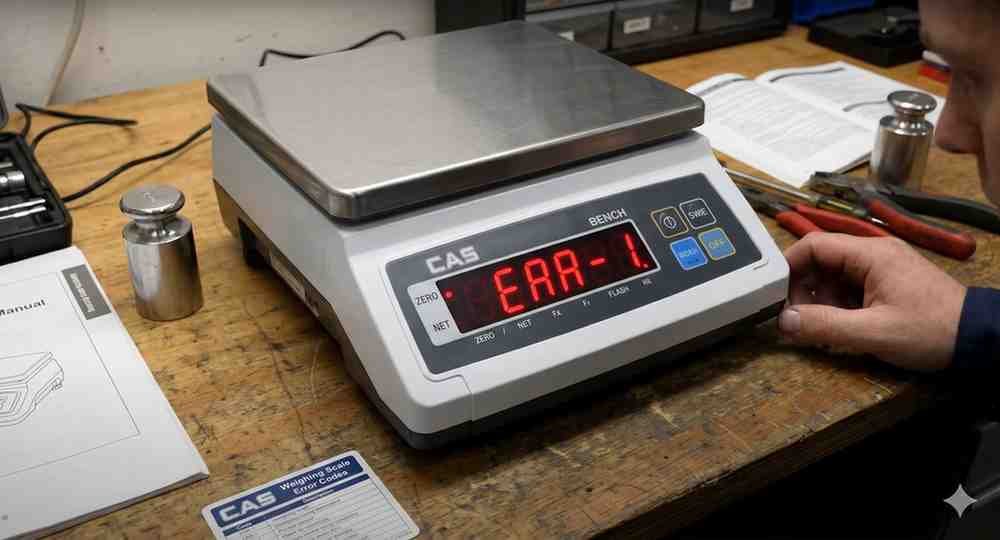
ERROR 09 indicates the current zero value is outside the allowable range.
Possible Causes:
• Weight on platform during startup
• Incorrect calibration
• Load cell offset
• Mechanical obstruction
Troubleshooting Steps:
1. Remove all weight.
2. Check for mechanical interference.
3. Restart indicator.
4. Perform zero calibration.
5. Verify load cell output.
Replace faulty load cells if zero cannot be restored.
Possible Causes:
• Weight on platform during startup
• Incorrect calibration
• Load cell offset
• Mechanical obstruction
Troubleshooting Steps:
1. Remove all weight.
2. Check for mechanical interference.
3. Restart indicator.
4. Perform zero calibration.
5. Verify load cell output.
Replace faulty load cells if zero cannot be restored.
Is your scale beyond repair?
Sometimes replacing an aging machine is more cost-effective than fixing it. Explore our wide range of new, high-precision weighing scales.
Related Error Codes
Related Calibration Guides