ERROR 06
ERROR 06 Calibration Failure
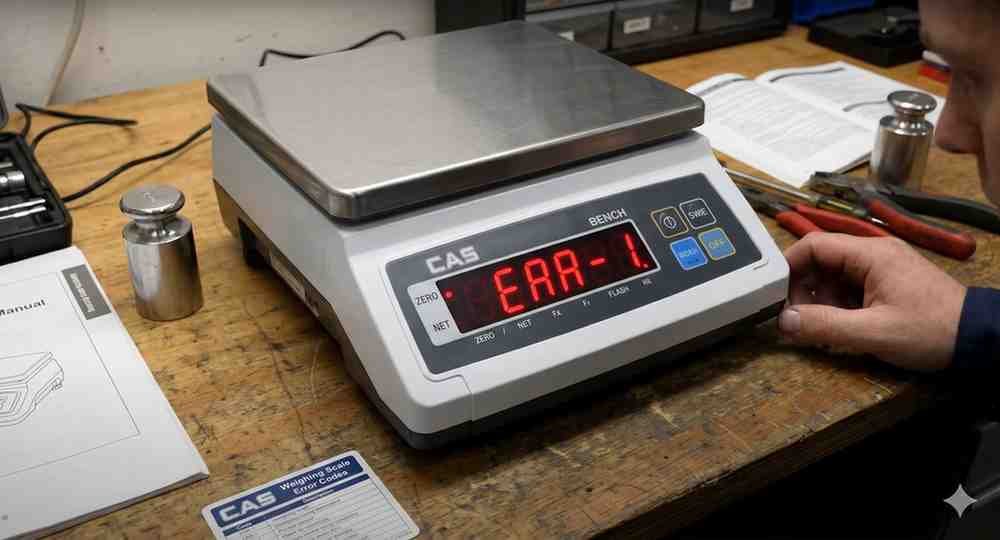
ERROR 06 appears when the calibration process cannot be completed successfully.
Possible Causes:
• Incorrect calibration weight
• Unstable load cell signal
• Calibration weight applied incorrectly
• Internal hardware fault
Troubleshooting Steps:
1. Verify correct calibration weight.
2. Ensure platform is empty before calibration.
3. Repeat calibration procedure.
4. Check load cell wiring.
5. Restart the indicator.
6. Perform calibration again.
If the error persists, inspect the load cell and indicator electronics.
Possible Causes:
• Incorrect calibration weight
• Unstable load cell signal
• Calibration weight applied incorrectly
• Internal hardware fault
Troubleshooting Steps:
1. Verify correct calibration weight.
2. Ensure platform is empty before calibration.
3. Repeat calibration procedure.
4. Check load cell wiring.
5. Restart the indicator.
6. Perform calibration again.
If the error persists, inspect the load cell and indicator electronics.
Is your scale beyond repair?
Sometimes replacing an aging machine is more cost-effective than fixing it. Explore our wide range of new, high-precision weighing scales.
Related Error Codes
Related Calibration Guides