How to Adjust Zero-Tracking on Essae DS-415
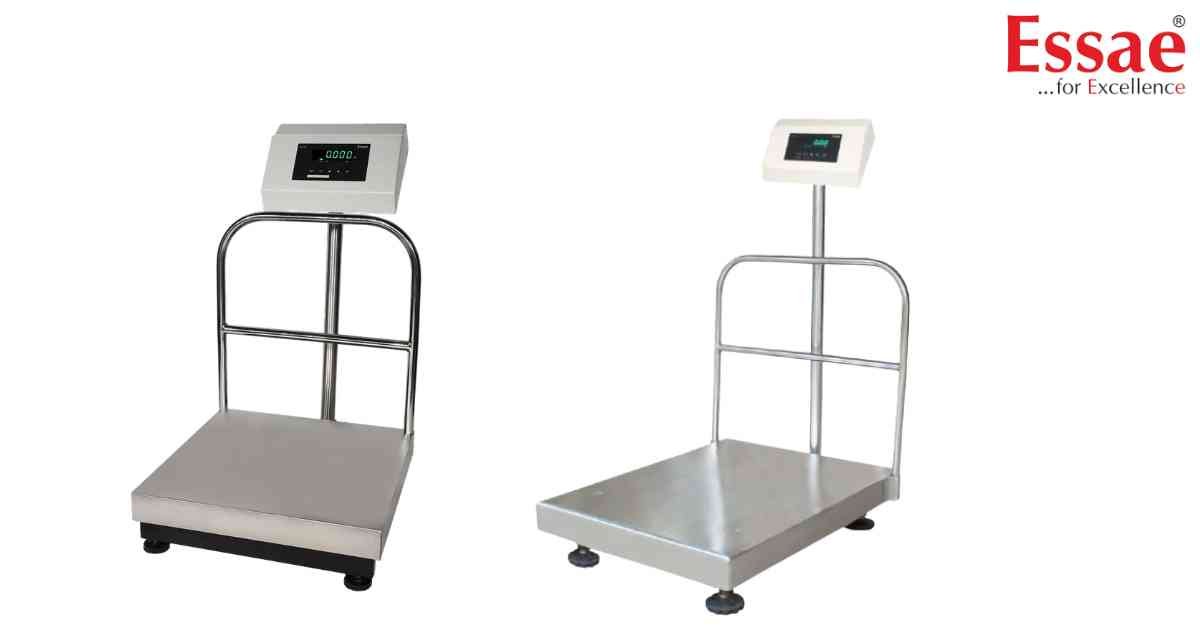
⚙️ Model Compatibility: Essae DS-415 & DS-415N.
If your scale keeps drifting or doesn't return exactly to 0.000, you need to adjust the Zero Tracking (Auto-Zero) parameter.
1. Power the scale ON and wait for the countdown.
2. Press the [Menu] or [Function] key (or your specific service code sequence).
3. Navigate to the "Zero" or "Track" parameter in the user settings.
4. You can typically choose between 0.5d, 1d, 2d, or 3d (where 'd' is the division/accuracy).
5. Increasing this value makes the scale more "stable" but less sensitive. For retail trading, keeping it at 1d or 2d is usually recommended to prevent display drifting.
If your scale keeps drifting or doesn't return exactly to 0.000, you need to adjust the Zero Tracking (Auto-Zero) parameter.
1. Power the scale ON and wait for the countdown.
2. Press the [Menu] or [Function] key (or your specific service code sequence).
3. Navigate to the "Zero" or "Track" parameter in the user settings.
4. You can typically choose between 0.5d, 1d, 2d, or 3d (where 'd' is the division/accuracy).
5. Increasing this value makes the scale more "stable" but less sensitive. For retail trading, keeping it at 1d or 2d is usually recommended to prevent display drifting.
Looking for a new weighing machine?
Upgrade your operations with our latest high-precision scales. We offer a wide catalog of reliable and certified machines.
Related Calibration Guides
