How to Setup USB Pen Drive Data Logging on Essae SI-810
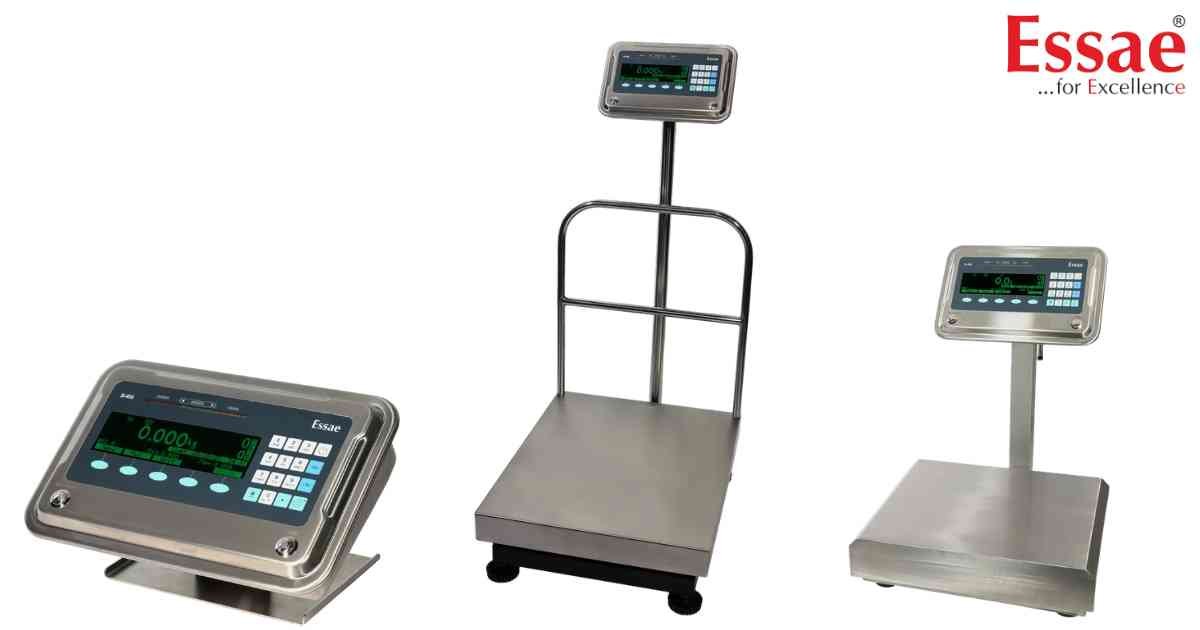
⚙️ Model Compatibility: Essae SI-810 System Indicator[cite: 9].
The SI-810 can log up to 25,000 records and dump them to a USB flash drive as a .LOG file[cite: 9]. However, the USB port must be configured properly before the machine will recognize the drive[cite: 9].
Quick Setup Method:
1. From the application home screen, press the [7] key and the [PF] (Paper Feed) key simultaneously[cite: 9].
2. The required USB settings are applied automatically after the machine restarts[cite: 9].
Manual Setup Method:
1. Navigate to Menu > Hardware Configuration > RS232 Status > RS232 #2 / RS485 and select RS232[cite: 9].
2. Go to Menu > Communication > RS232 > RS232 #2 / RS485 > Handshake, and set it to 'Hardware'[cite: 9]. (Other settings should be 9600, 8, N, 1)[cite: 9].
3. Go to Menu > Mapping Logical Device > Pen drive and map it to RS232 #2[cite: 9].
4. Restart the SI-810[cite: 9].
Once configured, plugging in a FAT-formatted USB drive will display "Pendrive: Connected"[cite: 9]. Press the [Store] soft key to export your records[cite: 9]!
The SI-810 can log up to 25,000 records and dump them to a USB flash drive as a .LOG file[cite: 9]. However, the USB port must be configured properly before the machine will recognize the drive[cite: 9].
Quick Setup Method:
1. From the application home screen, press the [7] key and the [PF] (Paper Feed) key simultaneously[cite: 9].
2. The required USB settings are applied automatically after the machine restarts[cite: 9].
Manual Setup Method:
1. Navigate to Menu > Hardware Configuration > RS232 Status > RS232 #2 / RS485 and select RS232[cite: 9].
2. Go to Menu > Communication > RS232 > RS232 #2 / RS485 > Handshake, and set it to 'Hardware'[cite: 9]. (Other settings should be 9600, 8, N, 1)[cite: 9].
3. Go to Menu > Mapping Logical Device > Pen drive and map it to RS232 #2[cite: 9].
4. Restart the SI-810[cite: 9].
Once configured, plugging in a FAT-formatted USB drive will display "Pendrive: Connected"[cite: 9]. Press the [Store] soft key to export your records[cite: 9]!
Looking for a new weighing machine?
Upgrade your operations with our latest high-precision scales. We offer a wide catalog of reliable and certified machines.
Related Calibration Guides
