Home >
Guides >
essae >
How to Configure Piece Counting and Weight Accumulation on Essae AX Balances
← Back
How to Configure Piece Counting and Weight Accumulation on Essae AX Balances
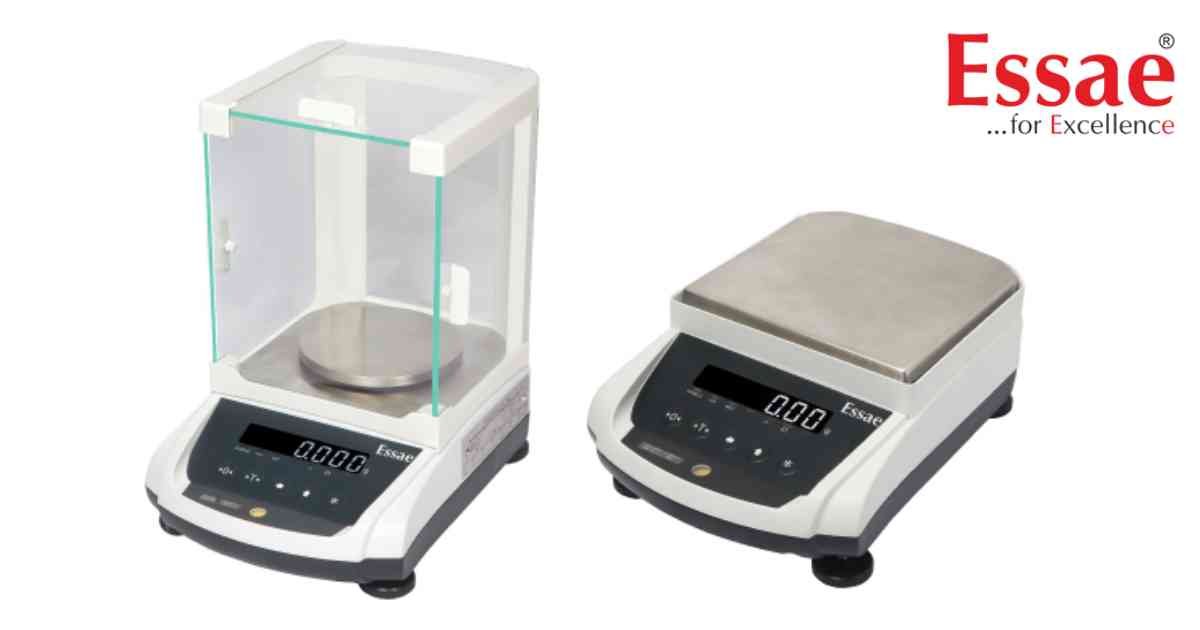
⚙️ Model Compatibility: Essae AX-220, AX-320, AX-620, AX-1200, AX-2200, AX-3200 balances.
This guide outlines the custom parameter configurations needed to deploy piece counting applications and total weight accumulation processes.
Part 1: Piece Counting (Quantity Weighing) Procedure
1. Enter the customer specification mode and set the parameter "C20 LSD" to '1' to enable quantity weighing functions.
2. Place your empty parts container on the platter and press the [T] key to tare the container weight.
3. Initialize unit weight sampling by pressing the key combination: [REZERO] + [↑], [←], [*].
4. The screen will display a default batch size of '10 pcs'.
5. Tap the [↑] (Digit Increment) key to cycle through predefined sample sizes: 5, 10, 20, 50, 100, 200, 500, or 1000 pieces.
6. To define a completely custom sample quantity, use the [←] and [↑] keys to manually dial in your exact part count.
7. Place the exact matching number of physical samples into the container and press the [*] (Star) key to finalize the calibration sampling.
8. You can now read total quantities directly on the screen. Press the [T] key at any time to exit piece counting mode.
Part 2: Total Weight Accumulation Procedure
1. To enable accumulation features, set the parameter "C24 MSD" to '1' inside your programming options.
2. The "C24 LSD" parameter sets your collection method: set it to '0' for Manual or '1' for Automatic accumulation.
3. If configured to Manual, press the [*] key whenever a stable item is weighed to add it to the memory bank. If set to Auto, the parameter "C25 LSD" controls the timing window for hands-free logging.
4. To view the current sum of weights and total logged sample iterations, press: [REZERO] + [↑], [←], [↑].
5. To clear the accumulation history completely from the system memory, press: [REZERO] + [←], [←], [↑].
This guide outlines the custom parameter configurations needed to deploy piece counting applications and total weight accumulation processes.
Part 1: Piece Counting (Quantity Weighing) Procedure
1. Enter the customer specification mode and set the parameter "C20 LSD" to '1' to enable quantity weighing functions.
2. Place your empty parts container on the platter and press the [T] key to tare the container weight.
3. Initialize unit weight sampling by pressing the key combination: [REZERO] + [↑], [←], [*].
4. The screen will display a default batch size of '10 pcs'.
5. Tap the [↑] (Digit Increment) key to cycle through predefined sample sizes: 5, 10, 20, 50, 100, 200, 500, or 1000 pieces.
6. To define a completely custom sample quantity, use the [←] and [↑] keys to manually dial in your exact part count.
7. Place the exact matching number of physical samples into the container and press the [*] (Star) key to finalize the calibration sampling.
8. You can now read total quantities directly on the screen. Press the [T] key at any time to exit piece counting mode.
Part 2: Total Weight Accumulation Procedure
1. To enable accumulation features, set the parameter "C24 MSD" to '1' inside your programming options.
2. The "C24 LSD" parameter sets your collection method: set it to '0' for Manual or '1' for Automatic accumulation.
3. If configured to Manual, press the [*] key whenever a stable item is weighed to add it to the memory bank. If set to Auto, the parameter "C25 LSD" controls the timing window for hands-free logging.
4. To view the current sum of weights and total logged sample iterations, press: [REZERO] + [↑], [←], [↑].
5. To clear the accumulation history completely from the system memory, press: [REZERO] + [←], [←], [↑].
Looking for a new weighing machine?
Upgrade your operations with our latest high-precision scales. We offer a wide catalog of reliable and certified machines.
Related Calibration Guides
