How to Connect a PC USB Keyboard to the Essae SI-850
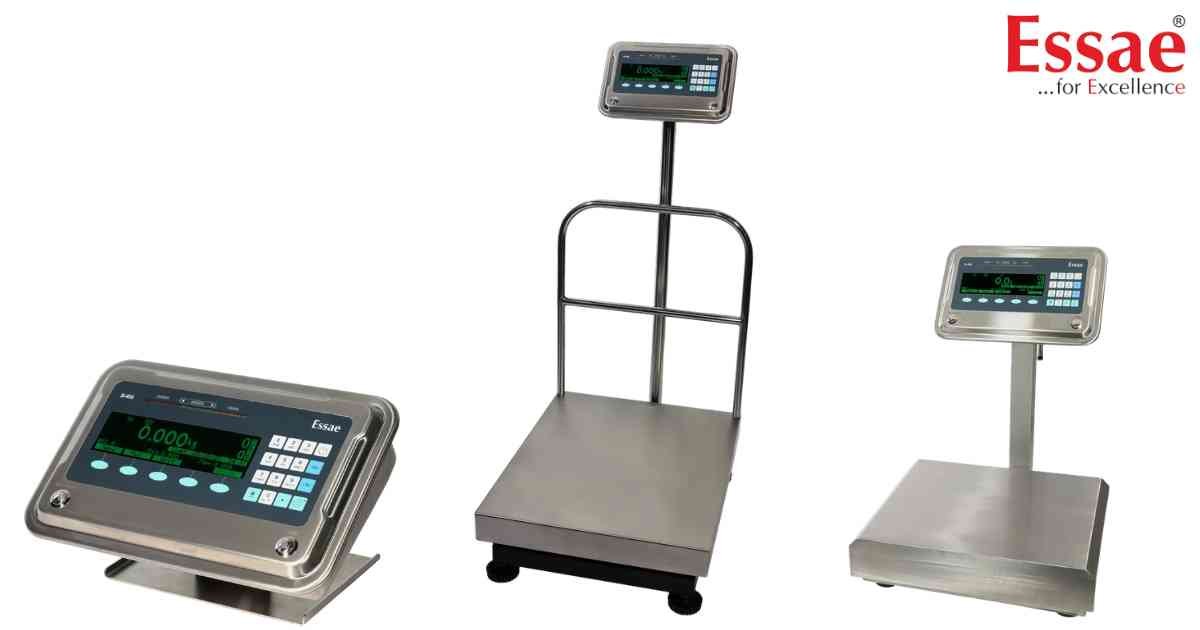
⚙️ Model Compatibility: Essae SI-850N System Indicator.
For rapid data entry (like typing long PLU names or manual alphanumeric fields), you can bypass the front panel and connect a standard USB PC Keyboard directly to the SI-850.
Quick Setup Sequence:
1. From the main application screen, press the [5] key and the [PF] (Paper Feed) key simultaneously.
2. The machine will automatically map RS232 #5 to the "Aux Keyboard" logical device.
3. Plug your USB keyboard into the USB Host port and restart the scale.
Keyboard Shortcuts:
Once connected, the F-keys on your keyboard will map directly to the scale's panel:
- F1 to F5 = Corresponds to the five dynamic Soft Keys on the screen.
- F6 = Power ON/OFF
- F7 = Rezero
- F8 = Tare
- F11 & F9 = Corresponds to MSW #1 (Log/Enter) and MSW #2 (Last Bill).
- Arrow Keys = Menu navigation.
For rapid data entry (like typing long PLU names or manual alphanumeric fields), you can bypass the front panel and connect a standard USB PC Keyboard directly to the SI-850.
Quick Setup Sequence:
1. From the main application screen, press the [5] key and the [PF] (Paper Feed) key simultaneously.
2. The machine will automatically map RS232 #5 to the "Aux Keyboard" logical device.
3. Plug your USB keyboard into the USB Host port and restart the scale.
Keyboard Shortcuts:
Once connected, the F-keys on your keyboard will map directly to the scale's panel:
- F1 to F5 = Corresponds to the five dynamic Soft Keys on the screen.
- F6 = Power ON/OFF
- F7 = Rezero
- F8 = Tare
- F11 & F9 = Corresponds to MSW #1 (Log/Enter) and MSW #2 (Last Bill).
- Arrow Keys = Menu navigation.
Looking for a new weighing machine?
Upgrade your operations with our latest high-precision scales. We offer a wide catalog of reliable and certified machines.
Related Calibration Guides
