How to Bypass Password and Unlock Essae SI-850
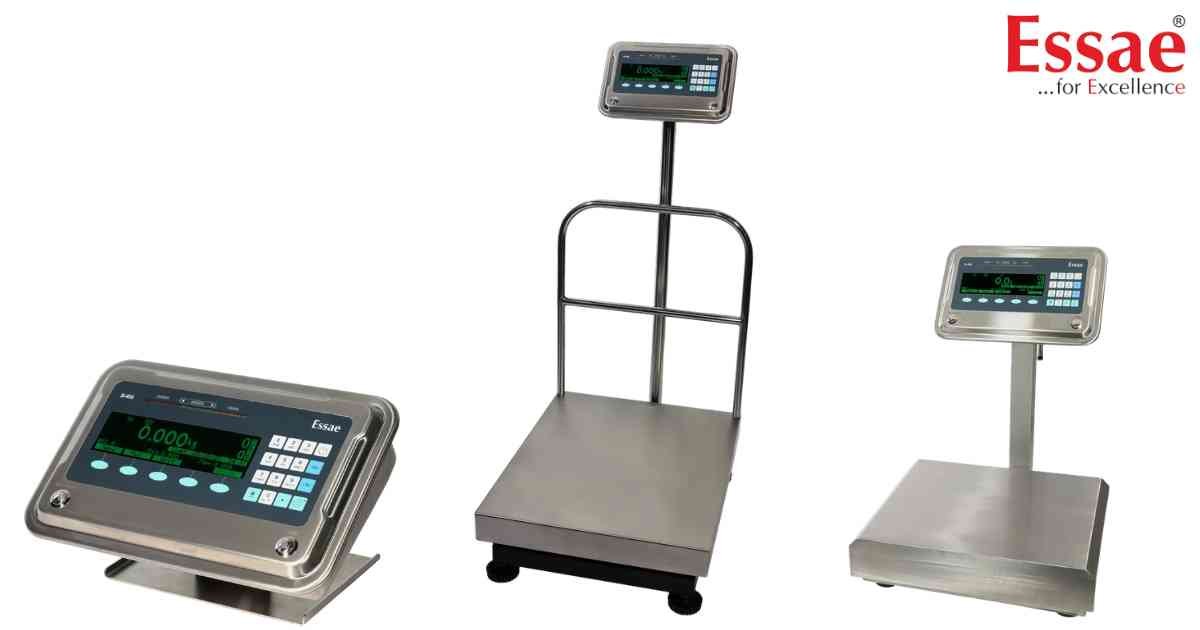
⚙️ Model Compatibility: Essae SI-850N System Indicator.
If an operator has set a User Password on the SI-850, you will be locked out of crucial menus like Scale Configuration, Diagnostics, and Hardware Configuration.
How to Override & Clear the Password:
1. Press the [Menu] soft key.
2. When prompted for the password, enter the Master Override Password: 2507.
3. Navigate to [Settings] > [Set Password].
4. When prompted to enter a "New Password?", DO NOT type anything.
5. Simply press the [Enter] soft key while the field is completely blank.
6. The screen will display "Cleared". The scale is now permanently unlocked.
If an operator has set a User Password on the SI-850, you will be locked out of crucial menus like Scale Configuration, Diagnostics, and Hardware Configuration.
How to Override & Clear the Password:
1. Press the [Menu] soft key.
2. When prompted for the password, enter the Master Override Password: 2507.
3. Navigate to [Settings] > [Set Password].
4. When prompted to enter a "New Password?", DO NOT type anything.
5. Simply press the [Enter] soft key while the field is completely blank.
6. The screen will display "Cleared". The scale is now permanently unlocked.
Looking for a new weighing machine?
Upgrade your operations with our latest high-precision scales. We offer a wide catalog of reliable and certified machines.
Related Calibration Guides
