How to Configure the LED Bargraph on Essae SI-850
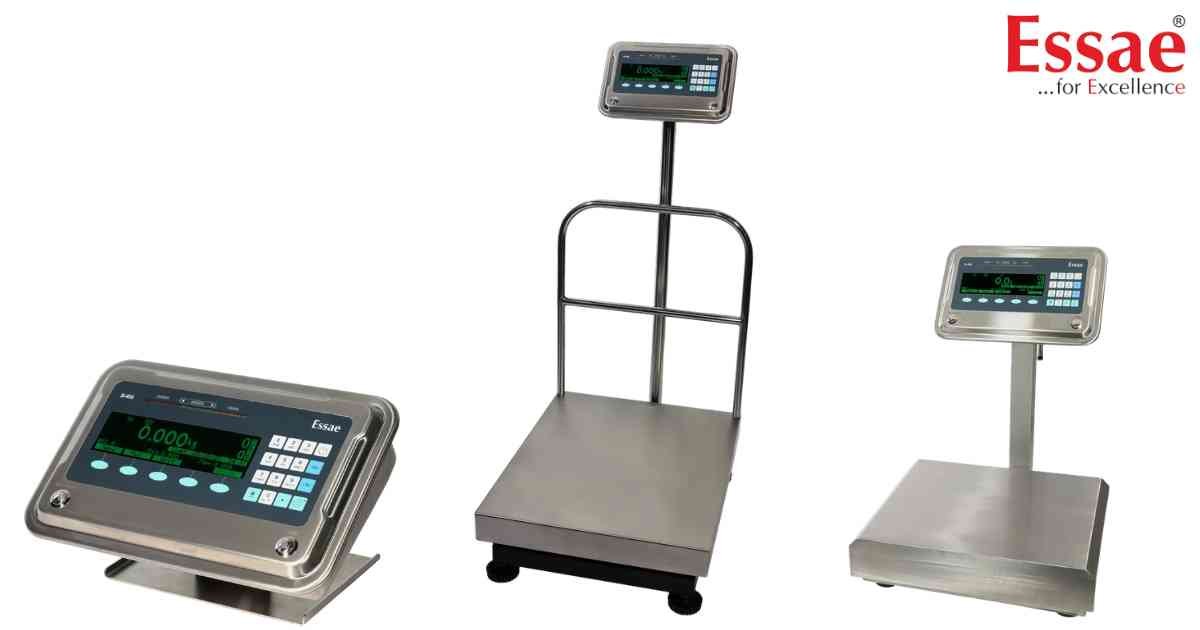
⚙️ Model Compatibility: Essae SI-850N System Indicator.
The SI-850 features a front-facing 15-LED bargraph (5 Red, 5 Green, 5 Orange) to provide fast, visual check-weighing cues to assembly line workers.
How to Configure the Bargraph:
Navigate to Menu > Settings > Bargraph Display. You can choose from three visual modes:
1. Single Colour: The entire bar lights up in a single color based on the state (Red for under, Green for OK, Orange for over).
2. All Colour: The bar fills up progressively. If the weight is over the limit, it will show Red, Green, and Orange simultaneously.
3. BG Check Weigh:
- If weight is between Min Limit and Minimum: Red LEDs display.
- If weight is between Minimum and Maximum: Green LEDs display.
- If weight is above Maximum: Orange LEDs display.
Note: The bargraph requires the scale to be in "Check Counting/Weighing" application mode. It will not function in "Simple Weighing" mode or if the Min/Max PLU limits are set to zero.
The SI-850 features a front-facing 15-LED bargraph (5 Red, 5 Green, 5 Orange) to provide fast, visual check-weighing cues to assembly line workers.
How to Configure the Bargraph:
Navigate to Menu > Settings > Bargraph Display. You can choose from three visual modes:
1. Single Colour: The entire bar lights up in a single color based on the state (Red for under, Green for OK, Orange for over).
2. All Colour: The bar fills up progressively. If the weight is over the limit, it will show Red, Green, and Orange simultaneously.
3. BG Check Weigh:
- If weight is between Min Limit and Minimum: Red LEDs display.
- If weight is between Minimum and Maximum: Green LEDs display.
- If weight is above Maximum: Orange LEDs display.
Note: The bargraph requires the scale to be in "Check Counting/Weighing" application mode. It will not function in "Simple Weighing" mode or if the Min/Max PLU limits are set to zero.
Looking for a new weighing machine?
Upgrade your operations with our latest high-precision scales. We offer a wide catalog of reliable and certified machines.
Related Calibration Guides
