How to Access Real-Time JSON Weight Data via HTTP GET on Essae SI-850
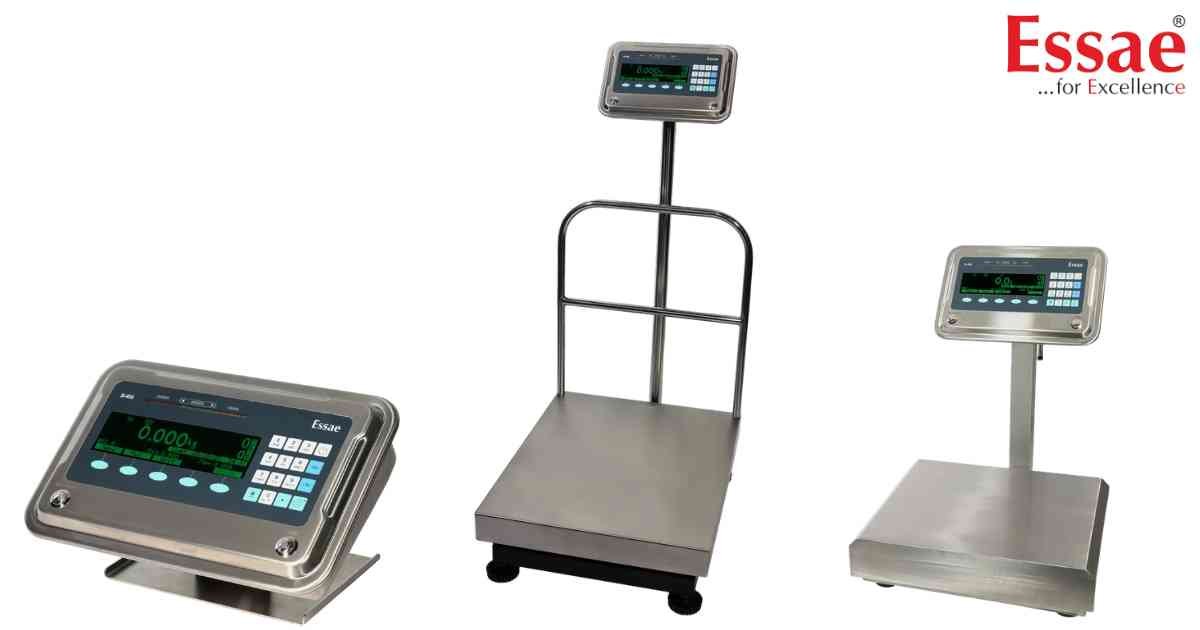
⚙️ Model Compatibility: Essae SI-850N (Firmware SICC51.08+).
The Essae SI-850 supports a native HTTP GET API, allowing web browsers, ERPs, and custom software to pull real-time weight strings formatted perfectly in JSON.
Configuration Steps:
1. Connect the SI-850 to your network via Ethernet or Wi-Fi.
2. Navigate to Menu > Communication > Weight Data > Weight Data #1.
3. Change the Transfer Mode to "HTTP GET". (Note: The HTTP GET feature only works on Weight Data #1, it will not function on Data #2-4).
4. Ensure "Connection: Keep-alive" is NOT used in your HTTP headers, and note that HTTPS is not supported.
API Call & Response:
Query the scale's IP address on port 4321 via a standard GET request (e.g., http://192.168.2.244:4321/WEIGHT).
The scale will return a fixed JSON format:
[{"GrossWt":"0.441 kg","TareWt":"0.145 kg","NetWt":"0.296 kg","Qty":"885 pcs","StableWt":"Yes"}]
The Essae SI-850 supports a native HTTP GET API, allowing web browsers, ERPs, and custom software to pull real-time weight strings formatted perfectly in JSON.
Configuration Steps:
1. Connect the SI-850 to your network via Ethernet or Wi-Fi.
2. Navigate to Menu > Communication > Weight Data > Weight Data #1.
3. Change the Transfer Mode to "HTTP GET". (Note: The HTTP GET feature only works on Weight Data #1, it will not function on Data #2-4).
4. Ensure "Connection: Keep-alive" is NOT used in your HTTP headers, and note that HTTPS is not supported.
API Call & Response:
Query the scale's IP address on port 4321 via a standard GET request (e.g., http://192.168.2.244:4321/WEIGHT).
The scale will return a fixed JSON format:
[{"GrossWt":"0.441 kg","TareWt":"0.145 kg","NetWt":"0.296 kg","Qty":"885 pcs","StableWt":"Yes"}]
Looking for a new weighing machine?
Upgrade your operations with our latest high-precision scales. We offer a wide catalog of reliable and certified machines.
Related Calibration Guides
