How to Configure Digital I/O (DIO) Logic on Essae SI-850
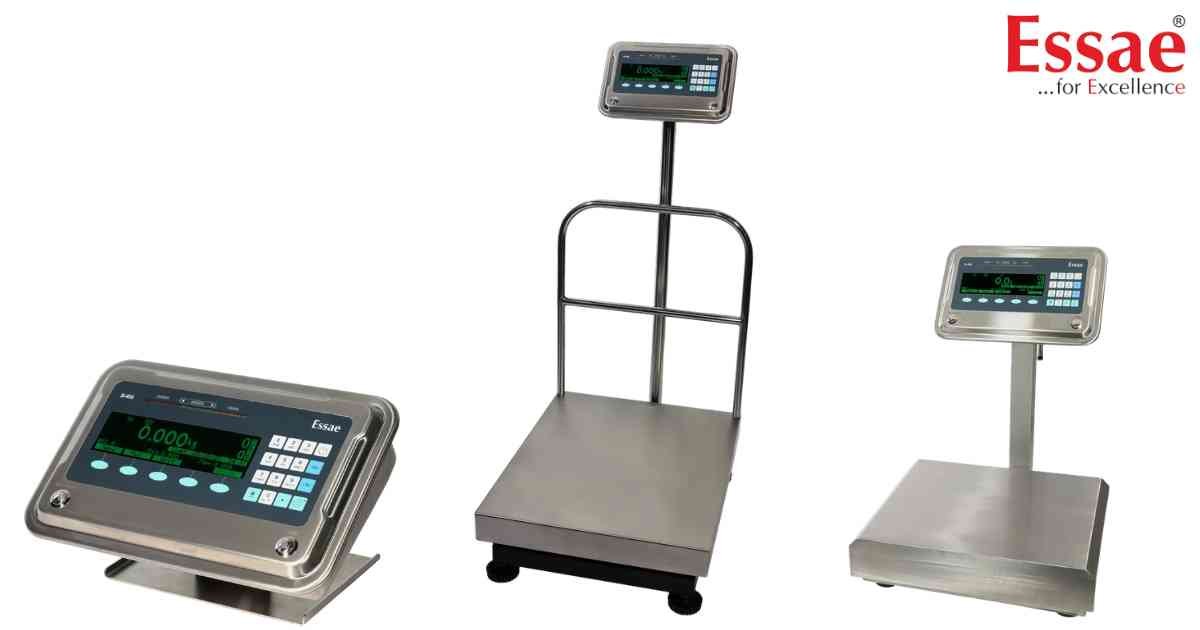
⚙️ Model Compatibility: Essae SI-850N System Indicator.
The SI-850 features up to 16 digital input/output (DIO) pins and 3 potential-free relay contacts for controlling external automation like tower lamps and sorting arms.
Navigate to Menu > Communication > Digital In/Out > Output Type.
Available Output Logic Modes:
- Logic #1 (Bar): Outputs are activated successively as the weight increases. Multiple outputs can be active at the same time.
- Logic #2 (Dot): Only one single output is active at any given time based on the exact weight tier.
- Logic #3: A simplified mode for Green/Red lamp indications. It relies strictly on the Min Limit, Minimum, and Maximum values programmed into the PLU.
- Level Control: Designed for hopper filling. DIO #1 activates when the weight hits the Maximum limit, and deactivates when the weight drops back down to the Min limit.
The SI-850 features up to 16 digital input/output (DIO) pins and 3 potential-free relay contacts for controlling external automation like tower lamps and sorting arms.
Navigate to Menu > Communication > Digital In/Out > Output Type.
Available Output Logic Modes:
- Logic #1 (Bar): Outputs are activated successively as the weight increases. Multiple outputs can be active at the same time.
- Logic #2 (Dot): Only one single output is active at any given time based on the exact weight tier.
- Logic #3: A simplified mode for Green/Red lamp indications. It relies strictly on the Min Limit, Minimum, and Maximum values programmed into the PLU.
- Level Control: Designed for hopper filling. DIO #1 activates when the weight hits the Maximum limit, and deactivates when the weight drops back down to the Min limit.
Looking for a new weighing machine?
Upgrade your operations with our latest high-precision scales. We offer a wide catalog of reliable and certified machines.
Related Calibration Guides
