How to Configure Digital I/O (DIO) Logic on Essae SI-810
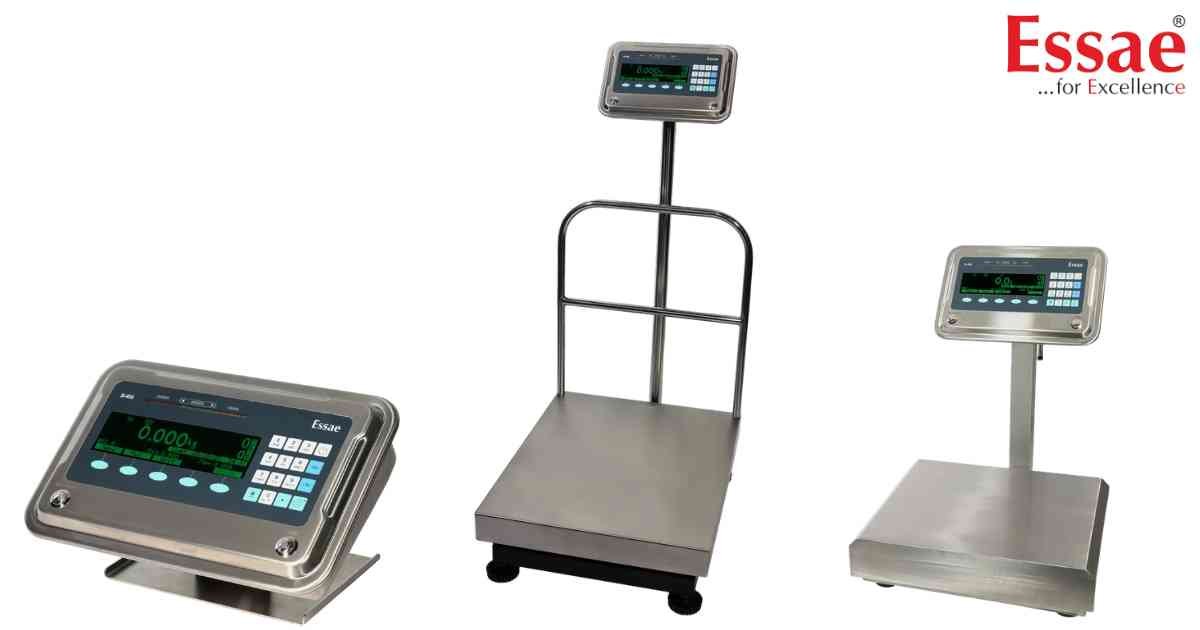
⚙️ Model Compatibility: Essae SI-810 System Indicator.
The SI-810 features up to 16 digital input/output (DIO) pins and 2 potential-free relay contacts for controlling external automation like tower lamps and sorting arms[cite: 9]. To make the hardware respond to weights, you must configure the DIO Output Type in the Communication Menu[cite: 9].
Navigate to Menu > Communication > Digital In/Out > Output Type.
Available Output Logic Modes:
- Logic #1 (Bar): The DIO outputs are activated successively as the weight increases[cite: 9]. Multiple outputs can be active at the same time[cite: 9].
- Logic #2 (Dot): Only one single output is active at any given time based on the exact weight tier[cite: 9].
- Logic #3: A simplified mode for Green/Red lamp indications. It relies strictly on the Min Limit, Minimum, and Maximum values programmed into the PLU[cite: 9].
- Level Control: Designed for hopper filling. DIO #1 activates when the weight hits the Maximum limit, and deactivates when the weight drops back down to the Min limit[cite: 9].
Programming Note:
For Logic 1 and Logic 2 to work, you must program Setpoints #3 through #8 inside the PLU in ascending order[cite: 9]. If you only need a basic Green/Red light, use Logic #3[cite: 9].
The SI-810 features up to 16 digital input/output (DIO) pins and 2 potential-free relay contacts for controlling external automation like tower lamps and sorting arms[cite: 9]. To make the hardware respond to weights, you must configure the DIO Output Type in the Communication Menu[cite: 9].
Navigate to Menu > Communication > Digital In/Out > Output Type.
Available Output Logic Modes:
- Logic #1 (Bar): The DIO outputs are activated successively as the weight increases[cite: 9]. Multiple outputs can be active at the same time[cite: 9].
- Logic #2 (Dot): Only one single output is active at any given time based on the exact weight tier[cite: 9].
- Logic #3: A simplified mode for Green/Red lamp indications. It relies strictly on the Min Limit, Minimum, and Maximum values programmed into the PLU[cite: 9].
- Level Control: Designed for hopper filling. DIO #1 activates when the weight hits the Maximum limit, and deactivates when the weight drops back down to the Min limit[cite: 9].
Programming Note:
For Logic 1 and Logic 2 to work, you must program Setpoints #3 through #8 inside the PLU in ascending order[cite: 9]. If you only need a basic Green/Red light, use Logic #3[cite: 9].
Looking for a new weighing machine?
Upgrade your operations with our latest high-precision scales. We offer a wide catalog of reliable and certified machines.
Related Calibration Guides
