Essae RX-850 Barcode Label Printer Calibration Guide
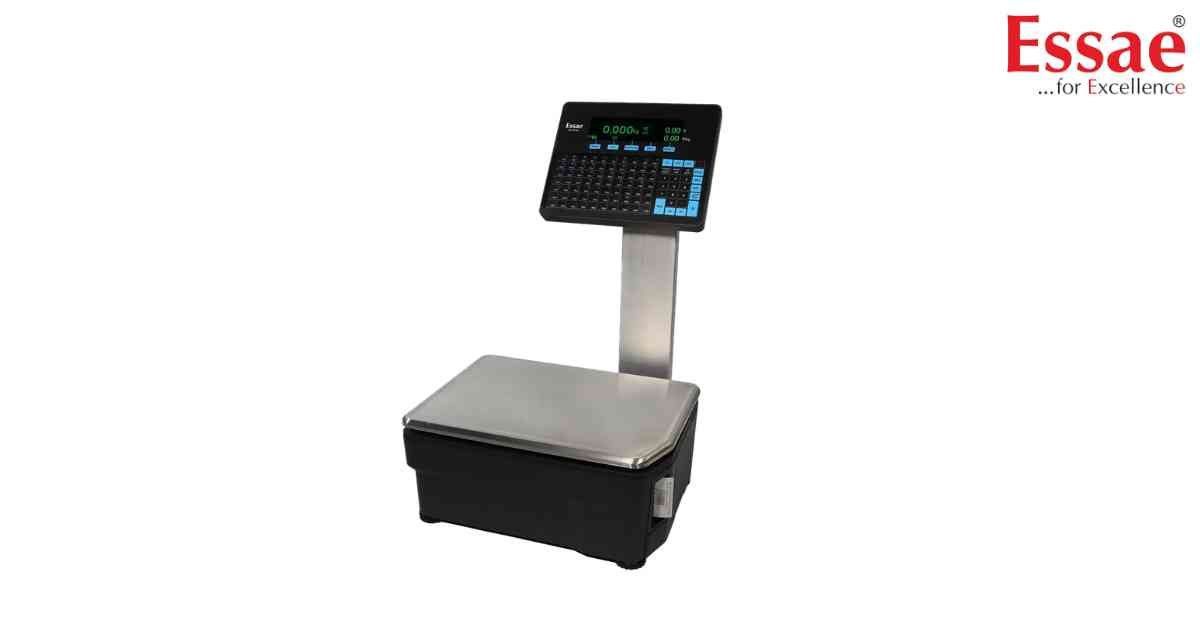
⚙️ Model Compatibility: Essae RX-850 & RX-8XX Series Label Scales[cite: 8].
If your RX-850 is printing text across the gaps of two labels, feeding blank stickers, or showing a "FAIL" message, the internal thermal printer needs to be re-calibrated to measure your specific label roll size[cite: 8].
Label Calibration Procedure:
1. Open the printer door and ensure the label liner passes directly through the Label Gap Sensor[cite: 8]. Close the door firmly[cite: 8].
2. Navigate to: Menu > Label Settings > Calibrate Label[cite: 8].
3. Press the [Start] soft key[cite: 8].
4. The machine will feed 2 to 3 blank labels to measure the gap distance automatically[cite: 8]. (Note: Peel-off sensing is disabled during this test).
5. Once finished, the screen will display "Calibrating Label... PASS"[cite: 8].
If the screen displays "FAIL" or "Timed Out", verify that you are using correct thermal label media and that the gap sensor is not blocked by dust or adhesive residue[cite: 8].
If your RX-850 is printing text across the gaps of two labels, feeding blank stickers, or showing a "FAIL" message, the internal thermal printer needs to be re-calibrated to measure your specific label roll size[cite: 8].
Label Calibration Procedure:
1. Open the printer door and ensure the label liner passes directly through the Label Gap Sensor[cite: 8]. Close the door firmly[cite: 8].
2. Navigate to: Menu > Label Settings > Calibrate Label[cite: 8].
3. Press the [Start] soft key[cite: 8].
4. The machine will feed 2 to 3 blank labels to measure the gap distance automatically[cite: 8]. (Note: Peel-off sensing is disabled during this test).
5. Once finished, the screen will display "Calibrating Label... PASS"[cite: 8].
If the screen displays "FAIL" or "Timed Out", verify that you are using correct thermal label media and that the gap sensor is not blocked by dust or adhesive residue[cite: 8].
Looking for a new weighing machine?
Upgrade your operations with our latest high-precision scales. We offer a wide catalog of reliable and certified machines.
Related Calibration Guides
