Essae DX-451 Installation Guide
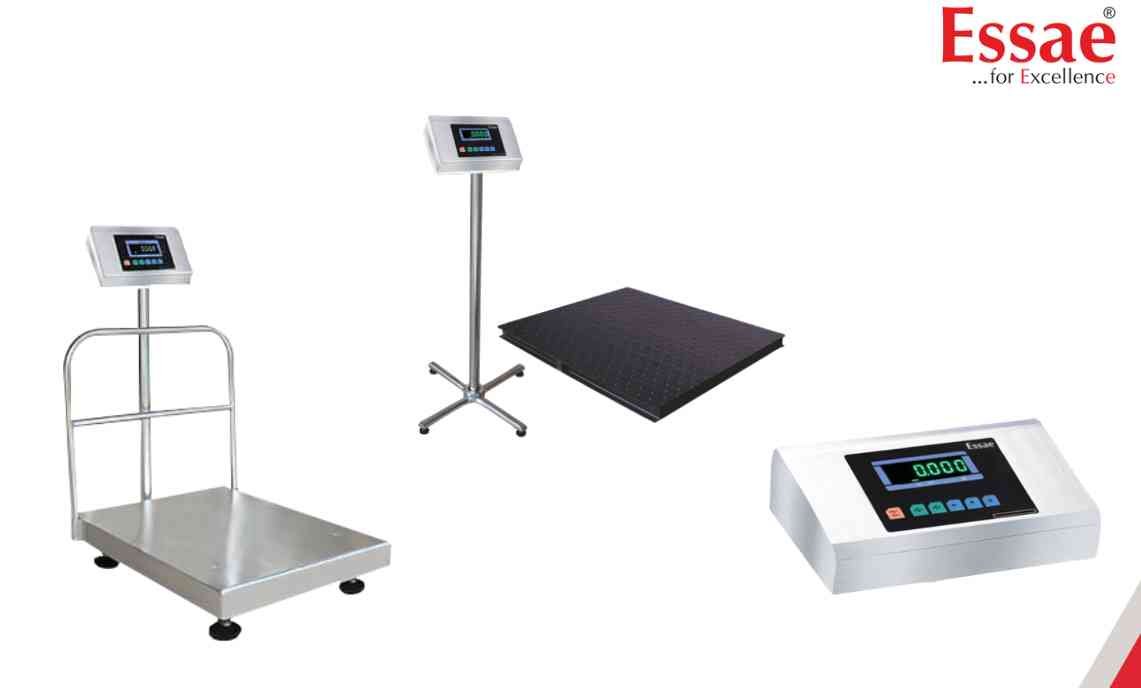
Proper installation is essential for accurate weighing performance and long equipment life.
Installation Procedure
1.) Select a stable and vibration-free location.
2.) Ensure the weighing platform is placed on a firm and level surface.
3.) Keep the machine away from fans, coolers and air drafts.
4.) Avoid direct sunlight and excessive temperature variation.
5.) Keep the scale away from strong magnetic fields and EMI/RFI sources.
6.) Remove all transport locks if applicable.
7.) Connect the AC power supply.
8.) Press the ON/OFF key.
9.) Wait for the startup sequence to complete.
10.) Confirm that the display shows zero before weighing.
Best Practices
1.) Maintain proper earth-neutral voltage.
2.) Provide sufficient working space around the scale.
3.) Keep the installation area clean and dry.
Installation Procedure
1.) Select a stable and vibration-free location.
2.) Ensure the weighing platform is placed on a firm and level surface.
3.) Keep the machine away from fans, coolers and air drafts.
4.) Avoid direct sunlight and excessive temperature variation.
5.) Keep the scale away from strong magnetic fields and EMI/RFI sources.
6.) Remove all transport locks if applicable.
7.) Connect the AC power supply.
8.) Press the ON/OFF key.
9.) Wait for the startup sequence to complete.
10.) Confirm that the display shows zero before weighing.
Best Practices
1.) Maintain proper earth-neutral voltage.
2.) Provide sufficient working space around the scale.
3.) Keep the installation area clean and dry.
Looking for a new weighing machine?
Upgrade your operations with our latest high-precision scales. We offer a wide catalog of reliable and certified machines.
Related Calibration Guides
