Essae DX-451 Set Point Programming Guide
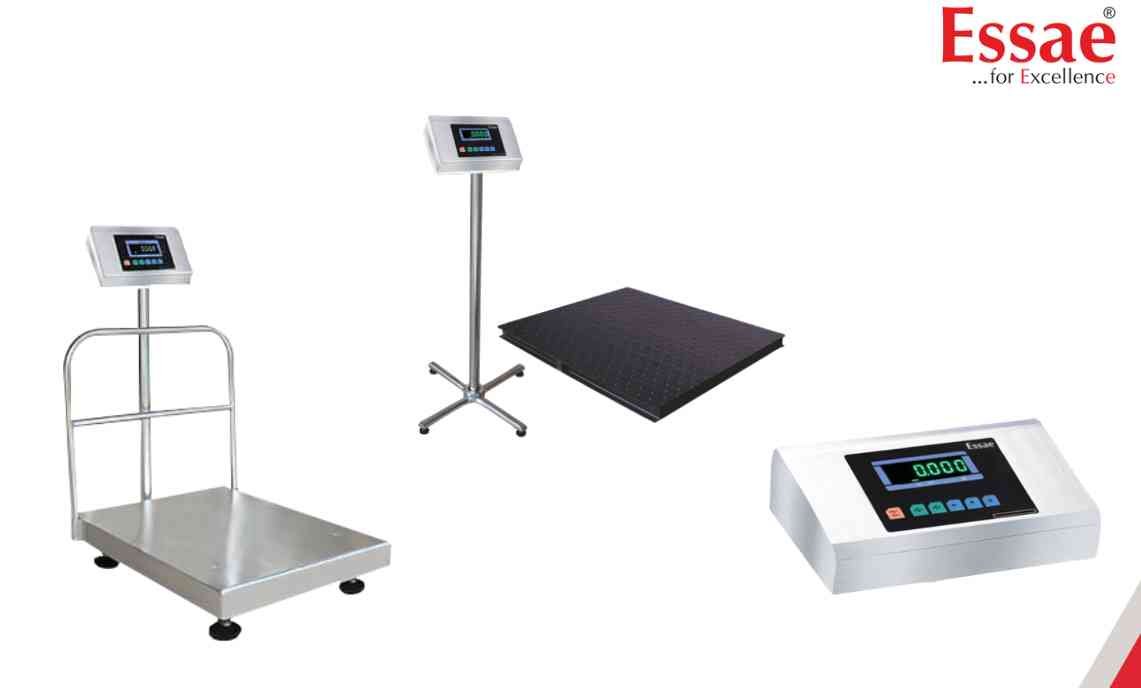
Set Point Programming allows the DX-451 to trigger external outputs when predefined weight values are reached.
Procedure
1.) Enter weighing mode.
2.) Press the Re-Zero key followed by the required programming sequence.
3.) The display will show SetPt-1.
4.) Enter the desired weight value using the digit selection and increment keys.
5.) Press the Store key to save Set Point 1.
6.) The display will advance to SetPt-2.
7.) Enter the required value.
8.) Save the setting.
9.) Repeat the process for additional set points if required.
10.) Exit programming mode.
Applications
1.) Filling systems
2.) Batching processes
3.) Check weighing
4.) Production automation
Advantages
1.) Improved process control
2.) Reduced manual intervention
3.) Consistent batch accuracy
Procedure
1.) Enter weighing mode.
2.) Press the Re-Zero key followed by the required programming sequence.
3.) The display will show SetPt-1.
4.) Enter the desired weight value using the digit selection and increment keys.
5.) Press the Store key to save Set Point 1.
6.) The display will advance to SetPt-2.
7.) Enter the required value.
8.) Save the setting.
9.) Repeat the process for additional set points if required.
10.) Exit programming mode.
Applications
1.) Filling systems
2.) Batching processes
3.) Check weighing
4.) Production automation
Advantages
1.) Improved process control
2.) Reduced manual intervention
3.) Consistent batch accuracy
Looking for a new weighing machine?
Upgrade your operations with our latest high-precision scales. We offer a wide catalog of reliable and certified machines.
Related Calibration Guides
