Essae DX-451 RS232 Configuration Guide
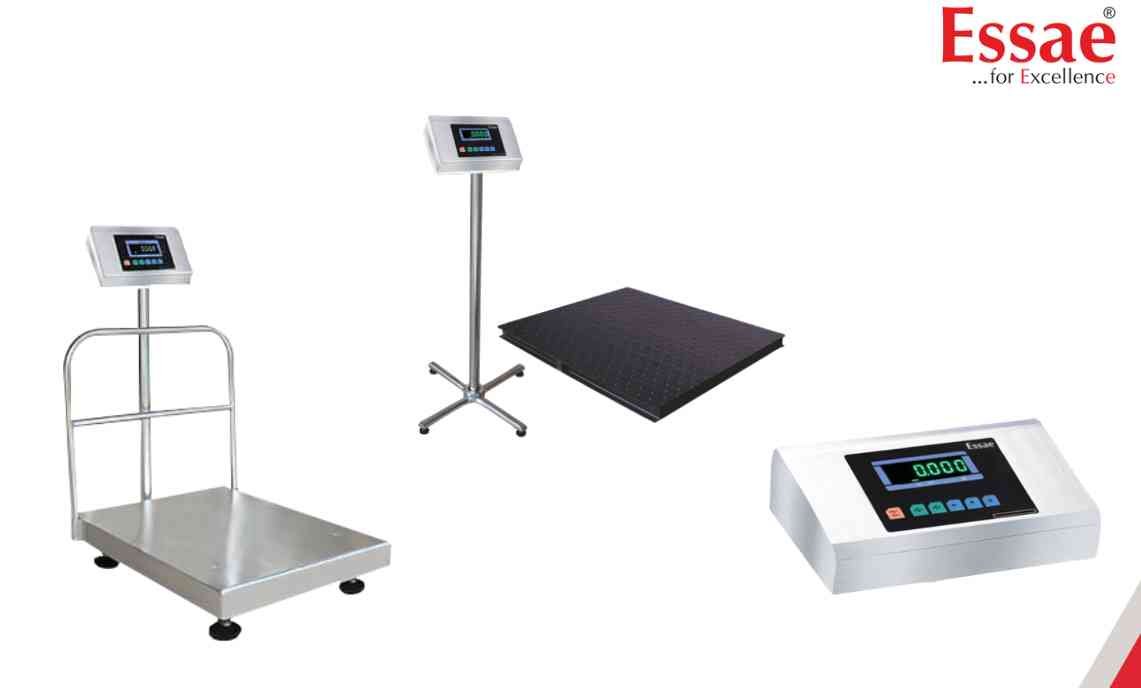
The RS232 communication port allows the DX-451 to communicate with computers, printers and automation systems.
Procedure
1.) Switch ON the DX-451.
2.) Enter the Customer Specification Menu.
3.) Navigate to communication settings.
4.) Select RS232 communication mode.
5.) Configure transmission parameters.
6.) Save the settings.
7.) Connect the RS232 cable.
8.) Verify successful data transfer.
Applications
1.) Computer connectivity
2.) ERP integration
3.) Label printing
4.) Data logging
5.) Production monitoring
Benefits
1.) Automatic data collection
2.) Reduced manual recording errors
3.) Improved traceability
4.) Faster reporting
Important Notes
Use proper RS232 communication cables and matching software settings on the receiving device.
Procedure
1.) Switch ON the DX-451.
2.) Enter the Customer Specification Menu.
3.) Navigate to communication settings.
4.) Select RS232 communication mode.
5.) Configure transmission parameters.
6.) Save the settings.
7.) Connect the RS232 cable.
8.) Verify successful data transfer.
Applications
1.) Computer connectivity
2.) ERP integration
3.) Label printing
4.) Data logging
5.) Production monitoring
Benefits
1.) Automatic data collection
2.) Reduced manual recording errors
3.) Improved traceability
4.) Faster reporting
Important Notes
Use proper RS232 communication cables and matching software settings on the receiving device.
Looking for a new weighing machine?
Upgrade your operations with our latest high-precision scales. We offer a wide catalog of reliable and certified machines.
Related Calibration Guides
