Essae DX-451 Keyboard Functions Guide
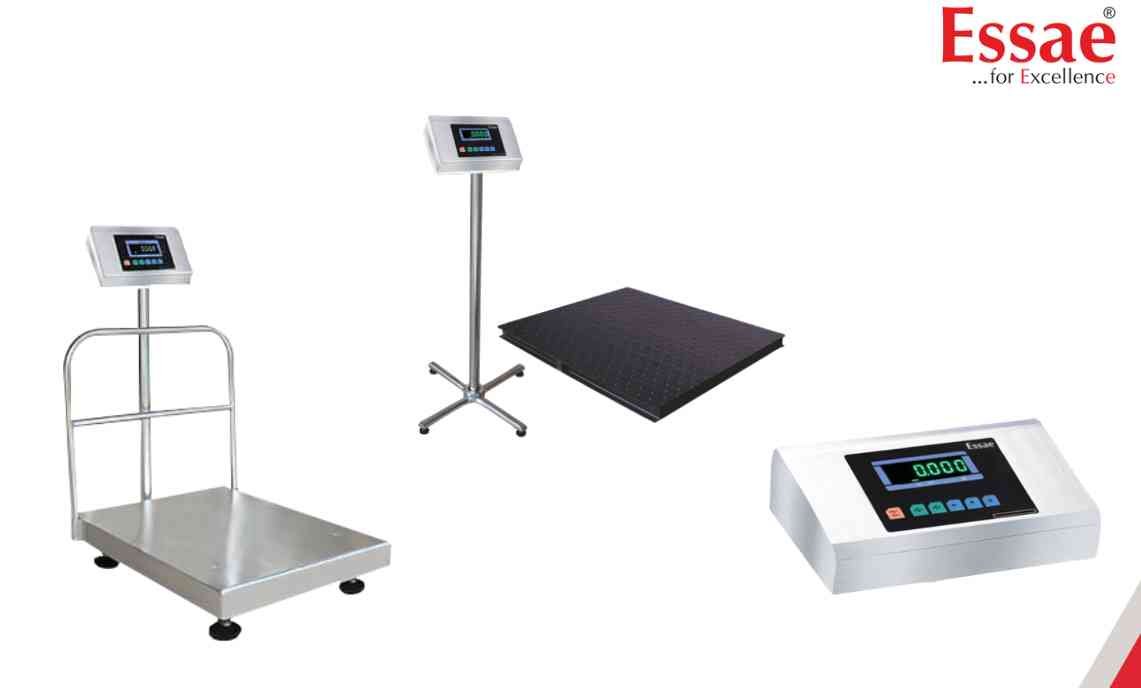
The DX-451 keypad provides access to weighing, programming and configuration functions.
Common Keys
ON/OFF
Used to switch the indicator ON and OFF.
ZERO
Returns the display to true zero.
TARE
Stores and removes tare values.
RE-ZERO
Performs re-zero operation during weighing.
STORE
Saves programming changes and parameter settings.
DIGIT SELECT
Moves cursor during programming.
INCREMENT
Changes parameter values and numerical entries.
Keyboard Operation Procedure
1.) Press keys gently.
2.) Wait for display response.
3.) Confirm settings using STORE.
4.) Exit programming using TARE.
Best Practices
1.) Avoid excessive force on keys.
2.) Keep keypad clean and dry.
3.) Use only designated functions for each key.
4.) Verify settings after programming changes.
Common Keys
ON/OFF
Used to switch the indicator ON and OFF.
ZERO
Returns the display to true zero.
TARE
Stores and removes tare values.
RE-ZERO
Performs re-zero operation during weighing.
STORE
Saves programming changes and parameter settings.
DIGIT SELECT
Moves cursor during programming.
INCREMENT
Changes parameter values and numerical entries.
Keyboard Operation Procedure
1.) Press keys gently.
2.) Wait for display response.
3.) Confirm settings using STORE.
4.) Exit programming using TARE.
Best Practices
1.) Avoid excessive force on keys.
2.) Keep keypad clean and dry.
3.) Use only designated functions for each key.
4.) Verify settings after programming changes.
Looking for a new weighing machine?
Upgrade your operations with our latest high-precision scales. We offer a wide catalog of reliable and certified machines.
Related Calibration Guides
