Essae DX-451 Initial Setup Guide
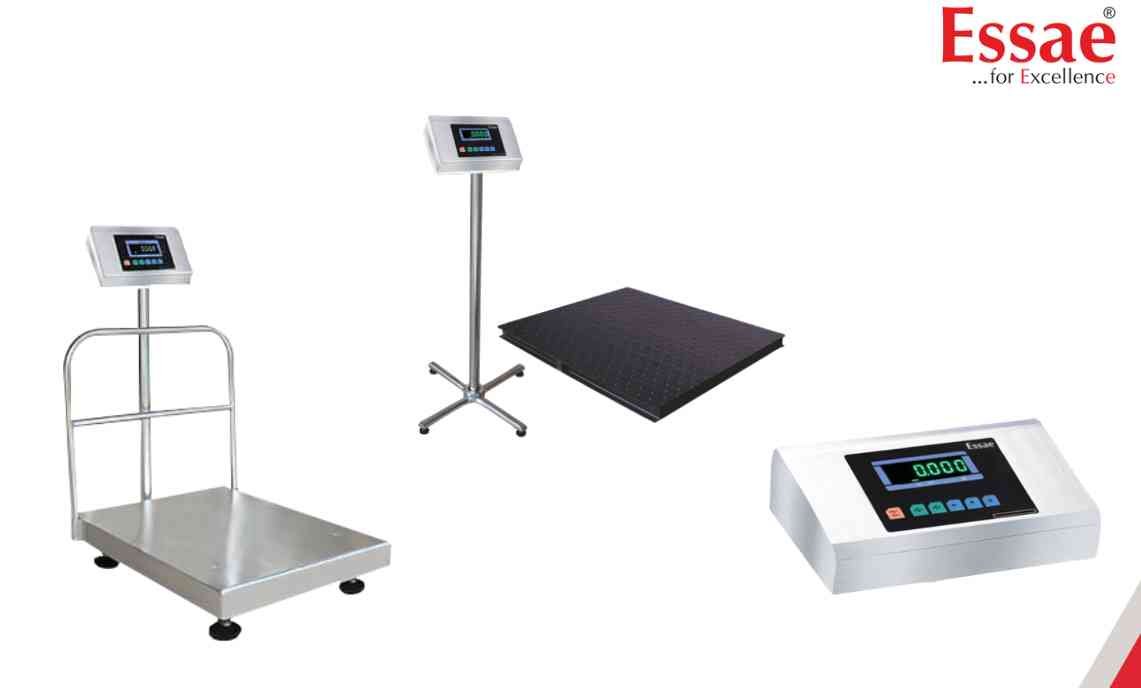
The DX-451 must be properly inspected and configured before first use.
Procedure
1.) Check the machine for transport damage.
2.) Verify that all accessories are supplied.
3.) Inspect the weighing platform for physical damage.
4.) Ensure the platform is properly levelled.
5.) Connect AC power.
6.) Switch ON the machine.
7.) The display will perform segment checking.
8.) After initialization, the display should indicate zero.
9.) Perform a test weighing to verify operation.
Important Notes
1.) Improper levelling may cause weighing inaccuracies.
2.) Remove all packing materials before operation.
3.) Avoid excessive dust and moisture.
Procedure
1.) Check the machine for transport damage.
2.) Verify that all accessories are supplied.
3.) Inspect the weighing platform for physical damage.
4.) Ensure the platform is properly levelled.
5.) Connect AC power.
6.) Switch ON the machine.
7.) The display will perform segment checking.
8.) After initialization, the display should indicate zero.
9.) Perform a test weighing to verify operation.
Important Notes
1.) Improper levelling may cause weighing inaccuracies.
2.) Remove all packing materials before operation.
3.) Avoid excessive dust and moisture.
Looking for a new weighing machine?
Upgrade your operations with our latest high-precision scales. We offer a wide catalog of reliable and certified machines.
Related Calibration Guides
