Essae DX-451 Display Indicator Guide
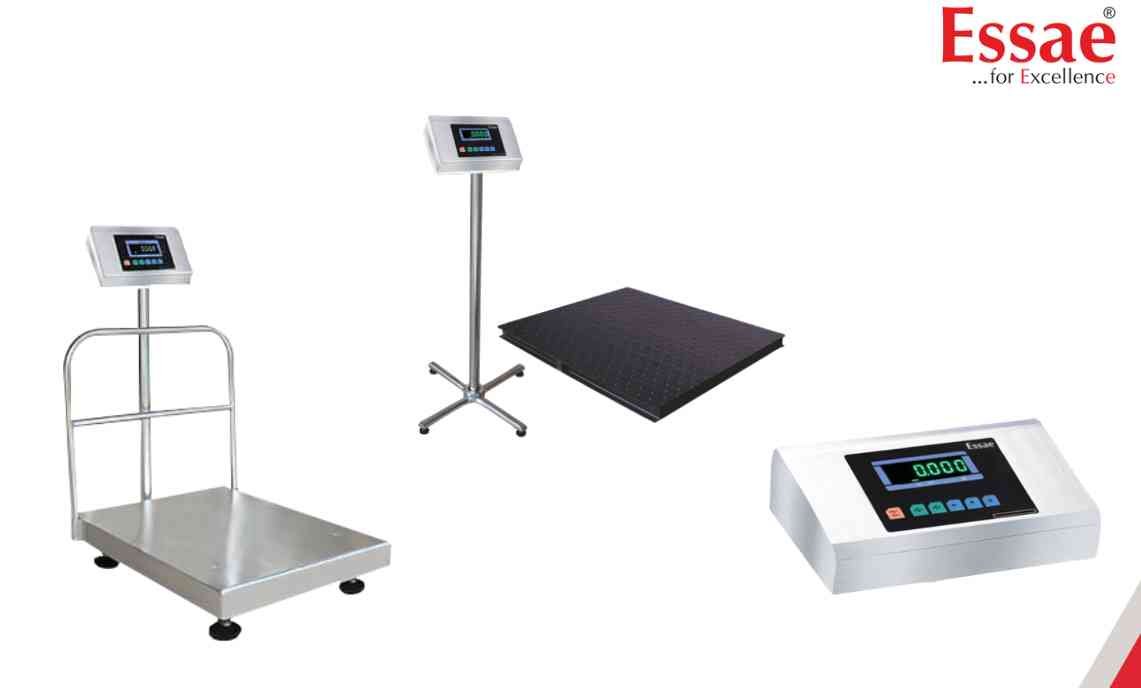
The DX-451 display provides important information regarding weighing status and machine operation.
Display Indicators
ZERO
Indicates that the machine is at true zero.
STABLE
Indicates that the displayed weight is stable and ready for use.
NET
Indicates net weight after tare deduction.
TARE
Indicates that a tare value is active.
BATTERY
Shows battery charging or low battery condition.
UNIT
Displays the selected weighing unit.
How to Interpret Indicators
1.) Wait for STABLE before recording weight.
2.) Verify ZERO before starting weighing.
3.) Check NET and TARE indicators when using containers.
4.) Monitor battery condition during portable operation.
Importance
Correct interpretation of indicators helps avoid weighing mistakes and improves operational efficiency.
Display Indicators
ZERO
Indicates that the machine is at true zero.
STABLE
Indicates that the displayed weight is stable and ready for use.
NET
Indicates net weight after tare deduction.
TARE
Indicates that a tare value is active.
BATTERY
Shows battery charging or low battery condition.
UNIT
Displays the selected weighing unit.
How to Interpret Indicators
1.) Wait for STABLE before recording weight.
2.) Verify ZERO before starting weighing.
3.) Check NET and TARE indicators when using containers.
4.) Monitor battery condition during portable operation.
Importance
Correct interpretation of indicators helps avoid weighing mistakes and improves operational efficiency.
Looking for a new weighing machine?
Upgrade your operations with our latest high-precision scales. We offer a wide catalog of reliable and certified machines.
Related Calibration Guides
