Essae DX-451 Digital Tare Programming Guide
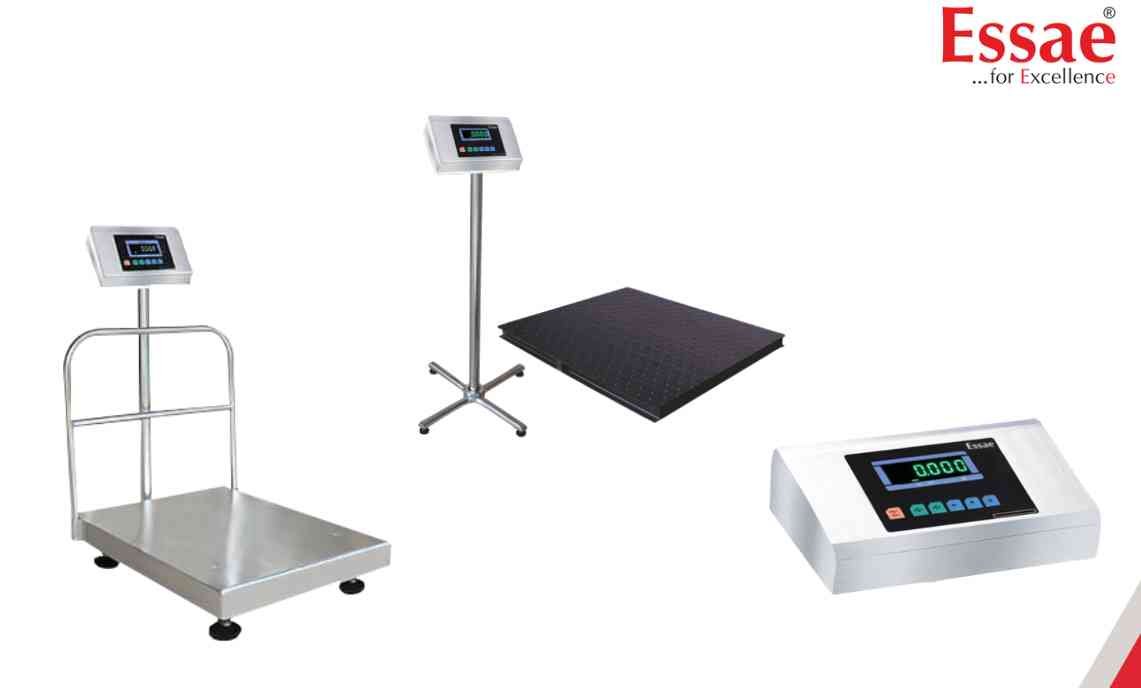
Digital Tare Programming allows the operator to store a fixed tare value for repetitive weighing applications.
Procedure
1.) Enter weighing mode.
2.) Press the Digital Tare key.
3.) The display will show the current tare value.
4.) Use the digit select key to move between digits.
5.) Use the increment key to change the selected digit.
6.) Enter the required tare value.
7.) Press the Store key to save the tare value.
8.) Press the Tare key to exit the Digital Tare mode.
Applications
1.) Container weighing
2.) Packaging operations
3.) Repetitive production weighing
4.) Net weight calculations
Benefits
1.) Faster weighing operations
2.) Improved accuracy
3.) Reduced operator errors
Procedure
1.) Enter weighing mode.
2.) Press the Digital Tare key.
3.) The display will show the current tare value.
4.) Use the digit select key to move between digits.
5.) Use the increment key to change the selected digit.
6.) Enter the required tare value.
7.) Press the Store key to save the tare value.
8.) Press the Tare key to exit the Digital Tare mode.
Applications
1.) Container weighing
2.) Packaging operations
3.) Repetitive production weighing
4.) Net weight calculations
Benefits
1.) Faster weighing operations
2.) Improved accuracy
3.) Reduced operator errors
Looking for a new weighing machine?
Upgrade your operations with our latest high-precision scales. We offer a wide catalog of reliable and certified machines.
Related Calibration Guides
