Essae DX-451 Customer Specification Menu Guide
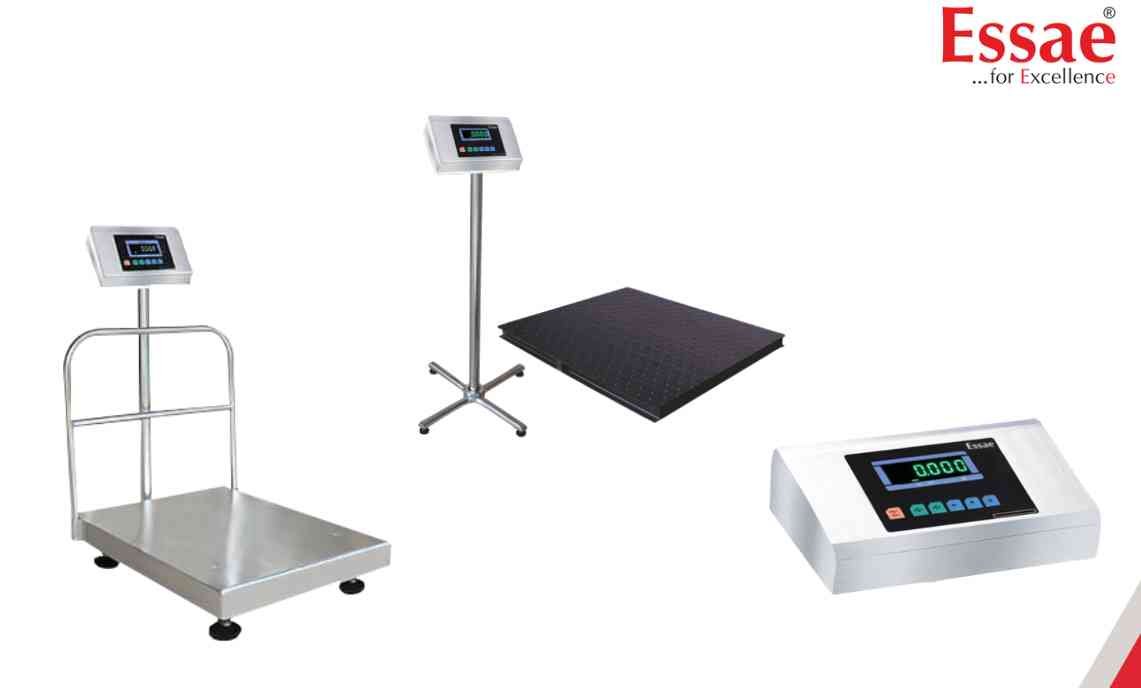
The Customer Specification Menu provides access to communication, printing and operational settings.
Procedure
1.) Enter weighing mode.
2.) Press the Re-Zero key.
3.) Press the Digit Select key three times.
4.) The display will show C10.
5.) Use the Digit Select and Increment keys to modify values.
6.) Press the Store key to save each specification.
7.) Continue through specifications C10 to C25.
8.) Press the Tare key to exit.
Available Parameters
1.) RS232 Baud Rate
2.) Data Format
3.) Weight Transfer Mode
4.) Print Header
5.) Stable Weight Transmission
6.) Set Point Output Logic
7.) Brightness Control
8.) Auto Print Functions
9.) Accumulation Functions
10.) Secondary Units
Important
Changes become active after power cycling the machine.
Procedure
1.) Enter weighing mode.
2.) Press the Re-Zero key.
3.) Press the Digit Select key three times.
4.) The display will show C10.
5.) Use the Digit Select and Increment keys to modify values.
6.) Press the Store key to save each specification.
7.) Continue through specifications C10 to C25.
8.) Press the Tare key to exit.
Available Parameters
1.) RS232 Baud Rate
2.) Data Format
3.) Weight Transfer Mode
4.) Print Header
5.) Stable Weight Transmission
6.) Set Point Output Logic
7.) Brightness Control
8.) Auto Print Functions
9.) Accumulation Functions
10.) Secondary Units
Important
Changes become active after power cycling the machine.
Looking for a new weighing machine?
Upgrade your operations with our latest high-precision scales. We offer a wide catalog of reliable and certified machines.
Related Calibration Guides
