Essae DX-451 Calibration Guide
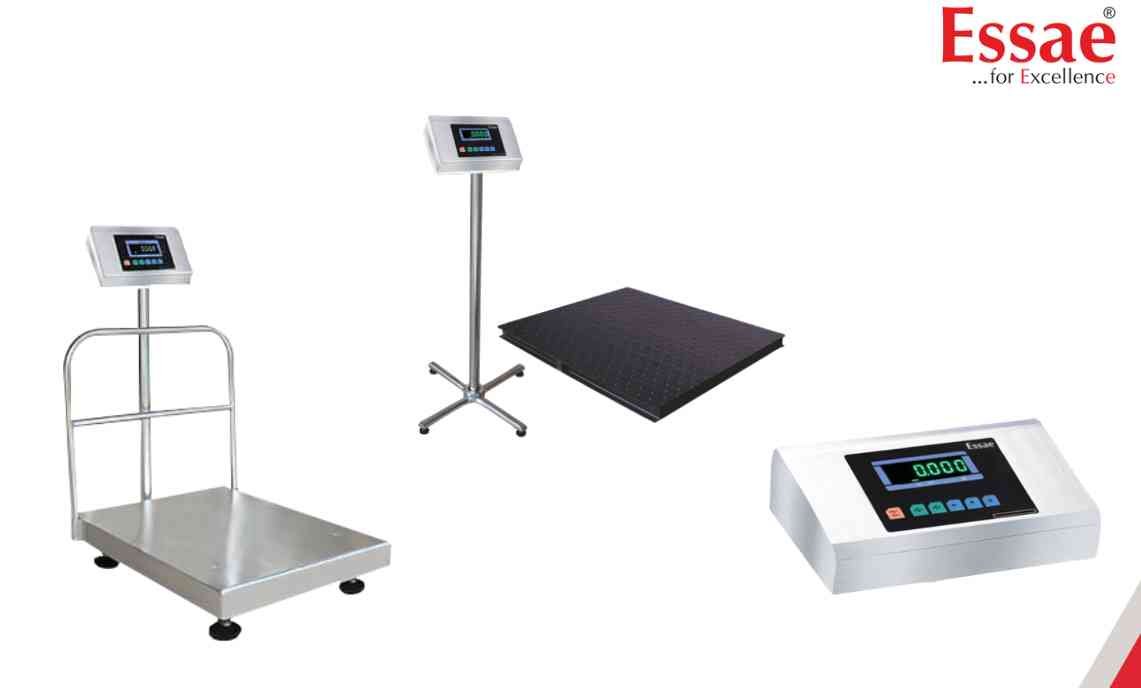
Calibration ensures the DX-451 maintains accurate weight measurements.
Procedure
1.) Ensure the weighing platform is empty.
2.) Switch ON the machine.
3.) Enter calibration mode using the service procedure.
4.) Verify the zero indication.
5.) Apply the specified calibration weight.
6.) Allow the reading to stabilize.
7.) Store the calibration value.
8.) Remove the calibration weight.
9.) Verify weighing accuracy using a known test weight.
When to Calibrate
1.) After installation.
2.) After relocation.
3.) After major maintenance.
4.) When weighing accuracy is in doubt.
Recommended Practice
Use certified standard weights for calibration verification.
Procedure
1.) Ensure the weighing platform is empty.
2.) Switch ON the machine.
3.) Enter calibration mode using the service procedure.
4.) Verify the zero indication.
5.) Apply the specified calibration weight.
6.) Allow the reading to stabilize.
7.) Store the calibration value.
8.) Remove the calibration weight.
9.) Verify weighing accuracy using a known test weight.
When to Calibrate
1.) After installation.
2.) After relocation.
3.) After major maintenance.
4.) When weighing accuracy is in doubt.
Recommended Practice
Use certified standard weights for calibration verification.
Looking for a new weighing machine?
Upgrade your operations with our latest high-precision scales. We offer a wide catalog of reliable and certified machines.
Related Calibration Guides
