Essae DX-451 Baud Rate Configuration Guide
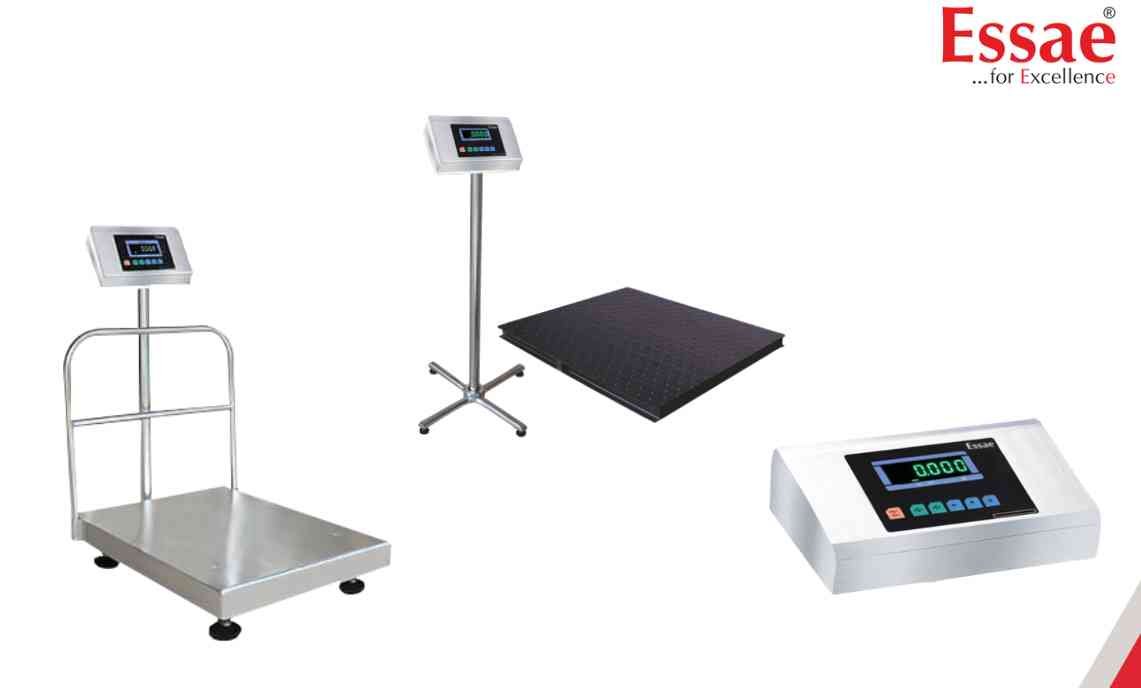
Baud Rate Configuration determines the communication speed between the DX-451 and external devices.
Procedure
1.) Enter Customer Specification Menu.
2.) Navigate to the communication settings parameter.
3.) Select Baud Rate option.
4.) Choose the required baud rate.
5.) Save the configuration.
6.) Restart the indicator if required.
7.) Verify communication with the connected device.
Common Baud Rates
1.) 1200
2.) 2400
3.) 4800
4.) 9600
5.) 19200
Applications
1.) Computer connectivity
2.) Printer communication
3.) PLC integration
4.) Data acquisition systems
Important
The baud rate configured in the DX-451 must exactly match the connected device.
Procedure
1.) Enter Customer Specification Menu.
2.) Navigate to the communication settings parameter.
3.) Select Baud Rate option.
4.) Choose the required baud rate.
5.) Save the configuration.
6.) Restart the indicator if required.
7.) Verify communication with the connected device.
Common Baud Rates
1.) 1200
2.) 2400
3.) 4800
4.) 9600
5.) 19200
Applications
1.) Computer connectivity
2.) Printer communication
3.) PLC integration
4.) Data acquisition systems
Important
The baud rate configured in the DX-451 must exactly match the connected device.
Looking for a new weighing machine?
Upgrade your operations with our latest high-precision scales. We offer a wide catalog of reliable and certified machines.
Related Calibration Guides
