Essae DX-451 Battery Operation Guide
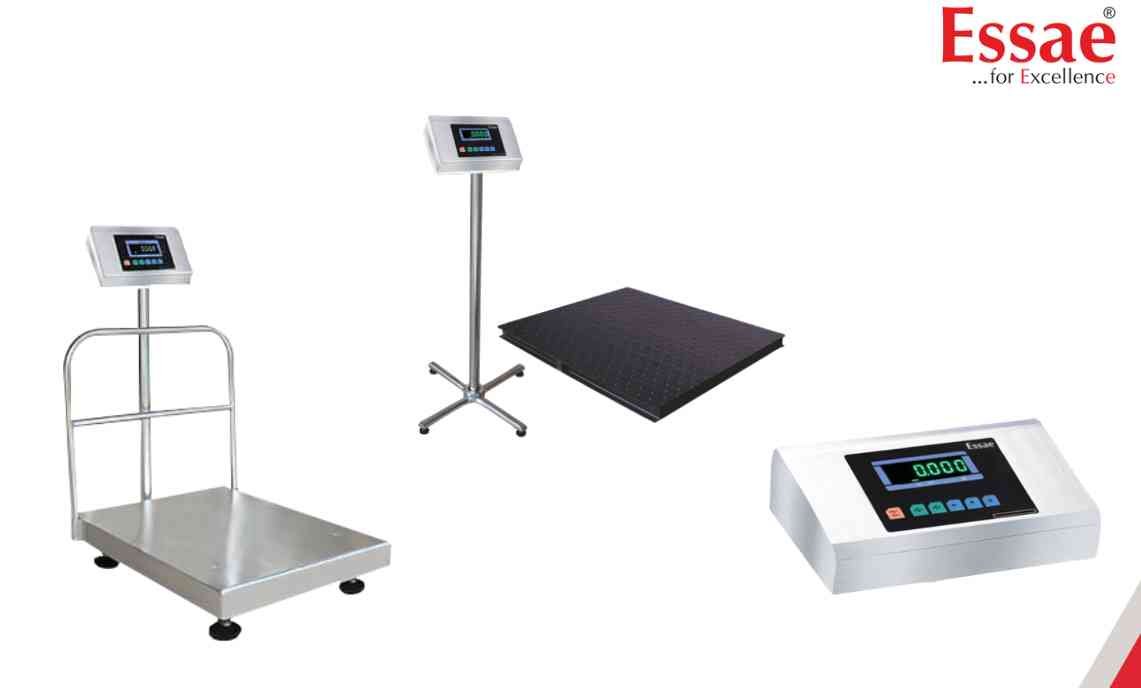
The DX-451 is equipped with an internal rechargeable battery that allows operation during power interruptions.
Battery Charging Procedure
1.) Connect the AC power supply.
2.) Switch ON the machine.
3.) Allow the battery to charge completely.
4.) Verify battery status on the display.
5.) Disconnect AC power and test battery operation.
Battery Usage Tips
1.) Charge the battery fully before first use.
2.) Recharge immediately after low battery indication.
3.) Avoid complete battery discharge.
4.) Keep battery terminals clean.
Low Battery Symptoms
1.) Battery indicator flashing.
2.) Reduced operating time.
3.) Display dimming.
4.) Unexpected shutdown.
Maintenance
1.) Recharge periodically even when not in use.
2.) Replace battery when backup time becomes significantly reduced.
Battery Charging Procedure
1.) Connect the AC power supply.
2.) Switch ON the machine.
3.) Allow the battery to charge completely.
4.) Verify battery status on the display.
5.) Disconnect AC power and test battery operation.
Battery Usage Tips
1.) Charge the battery fully before first use.
2.) Recharge immediately after low battery indication.
3.) Avoid complete battery discharge.
4.) Keep battery terminals clean.
Low Battery Symptoms
1.) Battery indicator flashing.
2.) Reduced operating time.
3.) Display dimming.
4.) Unexpected shutdown.
Maintenance
1.) Recharge periodically even when not in use.
2.) Replace battery when backup time becomes significantly reduced.
Looking for a new weighing machine?
Upgrade your operations with our latest high-precision scales. We offer a wide catalog of reliable and certified machines.
Related Calibration Guides
