Accessing Customer Specifications on Essae DS & DX/DF Series
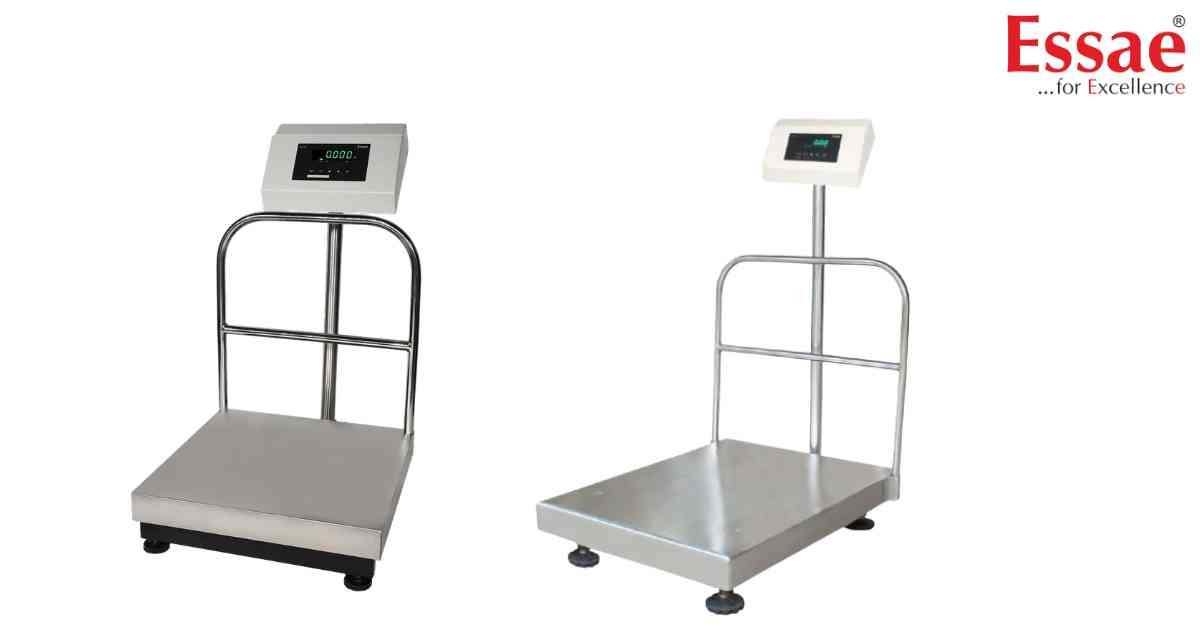
⚙️ Model Compatibility: Essae DS-450, DS-451, DX-451SS, DX-451HP, and DF-451 Flame Proof[cite: 6, 7].
The Customer Specification menu allows technicians to adjust critical backend features like RS-232 baud rates, accumulation modes, and setpoint logic[cite: 6, 7].
How to Enter the Specification Menu:
1. Depress the [REZERO] key and press the [←] (Digit Select) key three times[cite: 6, 7].
2. The display will toggle between the specification number (e.g., "C10") and its current two-digit value[cite: 6, 7].
3. Use the [←] (Digit Select) and [↑] (Digit Increment) keys to enter the required parameter value[cite: 6, 7].
4. Press the [*] (Star) key to store the entered specification value and advance to the next parameter[cite: 6, 7].
5. Press the [T] (Tare) key to exit the technical specification mode[cite: 6, 7].
Important Parameter Updates (DX/DF Series):
- Spec C11: Controls Data Transfer Mode. Option '0' activates the Special stream mode[cite: 7].
- Spec C25: Controls the Zero Display format. Set to '1' to enable "Single Digit zero when weight is zero" (available on DX/DF models)[cite: 7].
Important Note: The Specifications will take effect only at power on[cite: 6, 7]. You must turn the machine OFF and ON whenever changes are made for them to activate[cite: 6, 7].
The Customer Specification menu allows technicians to adjust critical backend features like RS-232 baud rates, accumulation modes, and setpoint logic[cite: 6, 7].
How to Enter the Specification Menu:
1. Depress the [REZERO] key and press the [←] (Digit Select) key three times[cite: 6, 7].
2. The display will toggle between the specification number (e.g., "C10") and its current two-digit value[cite: 6, 7].
3. Use the [←] (Digit Select) and [↑] (Digit Increment) keys to enter the required parameter value[cite: 6, 7].
4. Press the [*] (Star) key to store the entered specification value and advance to the next parameter[cite: 6, 7].
5. Press the [T] (Tare) key to exit the technical specification mode[cite: 6, 7].
Important Parameter Updates (DX/DF Series):
- Spec C11: Controls Data Transfer Mode. Option '0' activates the Special stream mode[cite: 7].
- Spec C25: Controls the Zero Display format. Set to '1' to enable "Single Digit zero when weight is zero" (available on DX/DF models)[cite: 7].
Important Note: The Specifications will take effect only at power on[cite: 6, 7]. You must turn the machine OFF and ON whenever changes are made for them to activate[cite: 6, 7].
Looking for a new weighing machine?
Upgrade your operations with our latest high-precision scales. We offer a wide catalog of reliable and certified machines.
Related Calibration Guides
