How to Calibrate Essae DS-852G Jewelry Scale
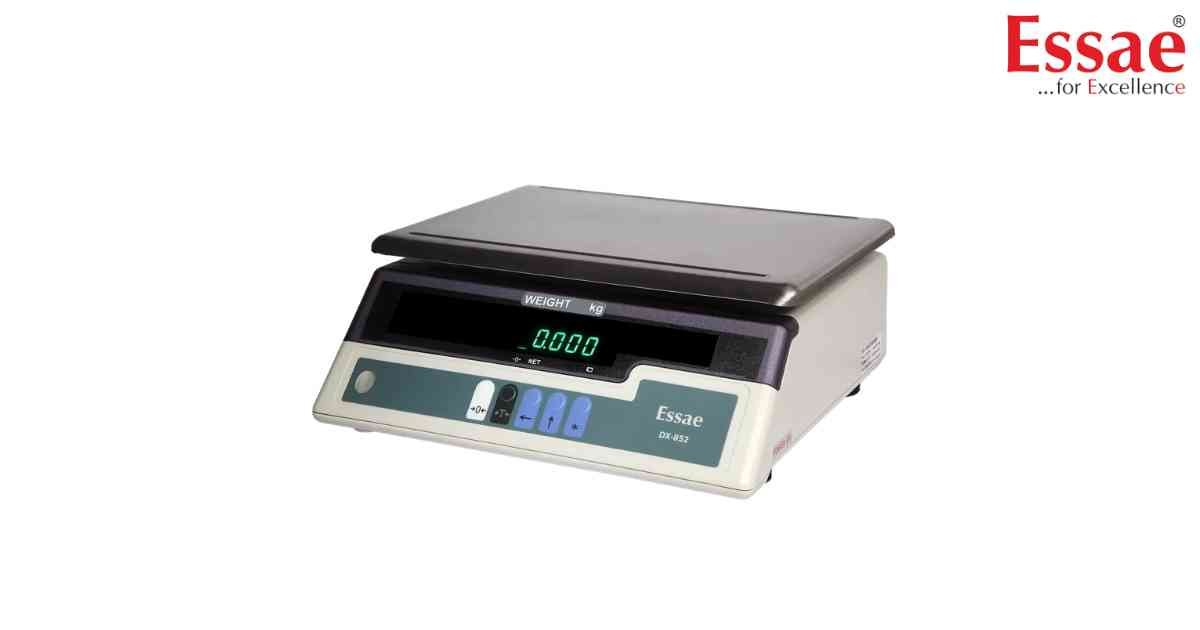
⚙️ Model Compatibility: Essae DS-852G (Gold Series).
Because these are legal-for-trade jewelry scales, calibration should only be performed using certified F1 or M1 class test weights.
Calibration Sequence:
1. Ensure the scale is level and the platter is empty.
2. Press and hold the [CAL] or [REZERO] key while turning the scale ON until the display shows "CAL" or the specific firmware version.
3. The display will flash the required test weight value.
4. Place the required test weight on the center of the platter.
5. The scale will automatically stabilize and display "PASS" or return to normal weighing mode.
6. If the scale does not stabilize, repeat the process ensuring no vibrations are affecting the weighing table.
Because these are legal-for-trade jewelry scales, calibration should only be performed using certified F1 or M1 class test weights.
Calibration Sequence:
1. Ensure the scale is level and the platter is empty.
2. Press and hold the [CAL] or [REZERO] key while turning the scale ON until the display shows "CAL" or the specific firmware version.
3. The display will flash the required test weight value.
4. Place the required test weight on the center of the platter.
5. The scale will automatically stabilize and display "PASS" or return to normal weighing mode.
6. If the scale does not stabilize, repeat the process ensuring no vibrations are affecting the weighing table.
Looking for a new weighing machine?
Upgrade your operations with our latest high-precision scales. We offer a wide catalog of reliable and certified machines.
Related Calibration Guides
