Err 1 / Err 2 - Zero Point Out of Range
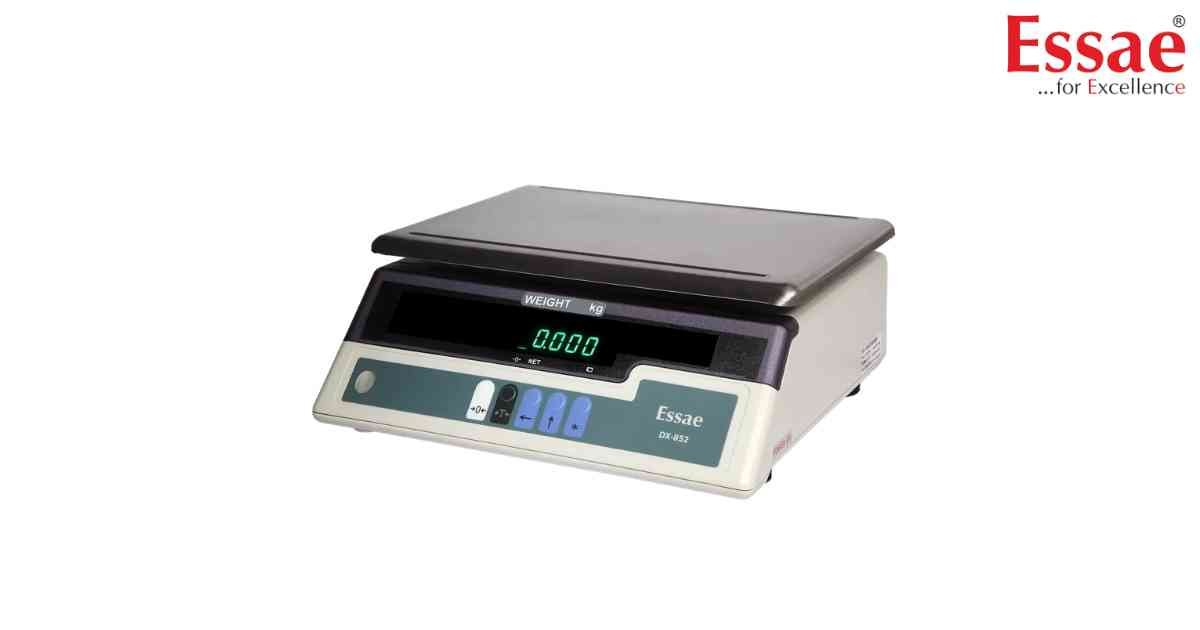
⚙️ Model Compatibility: Essae DS-852 & DS-852G.
"Err 1" or "Err 2" typically appears during the power-on self-check if the scale's current zero reading is significantly off from the last stored factory zero.
Troubleshooting Steps:
1. Ensure the draft shield (the glass casing) is properly closed and there is no weight on the platter.
2. Check that the leveling bubble is perfectly centered. Jewelry scales are extremely sensitive to uneven surfaces; even a slight tilt will trigger this error.
3. Clear the area of air drafts (fans or A/C vents) and ensure the weighing table is rigid/vibration-free.
4. If the error persists, the scale requires a professional zero-point re-calibration.
"Err 1" or "Err 2" typically appears during the power-on self-check if the scale's current zero reading is significantly off from the last stored factory zero.
Troubleshooting Steps:
1. Ensure the draft shield (the glass casing) is properly closed and there is no weight on the platter.
2. Check that the leveling bubble is perfectly centered. Jewelry scales are extremely sensitive to uneven surfaces; even a slight tilt will trigger this error.
3. Clear the area of air drafts (fans or A/C vents) and ensure the weighing table is rigid/vibration-free.
4. If the error persists, the scale requires a professional zero-point re-calibration.
Looking for a new weighing machine?
Upgrade your operations with our latest high-precision scales. We offer a wide catalog of reliable and certified machines.
Related Calibration Guides
