How to Change Weighing Units (Grams to Carats) on Essae DS-852
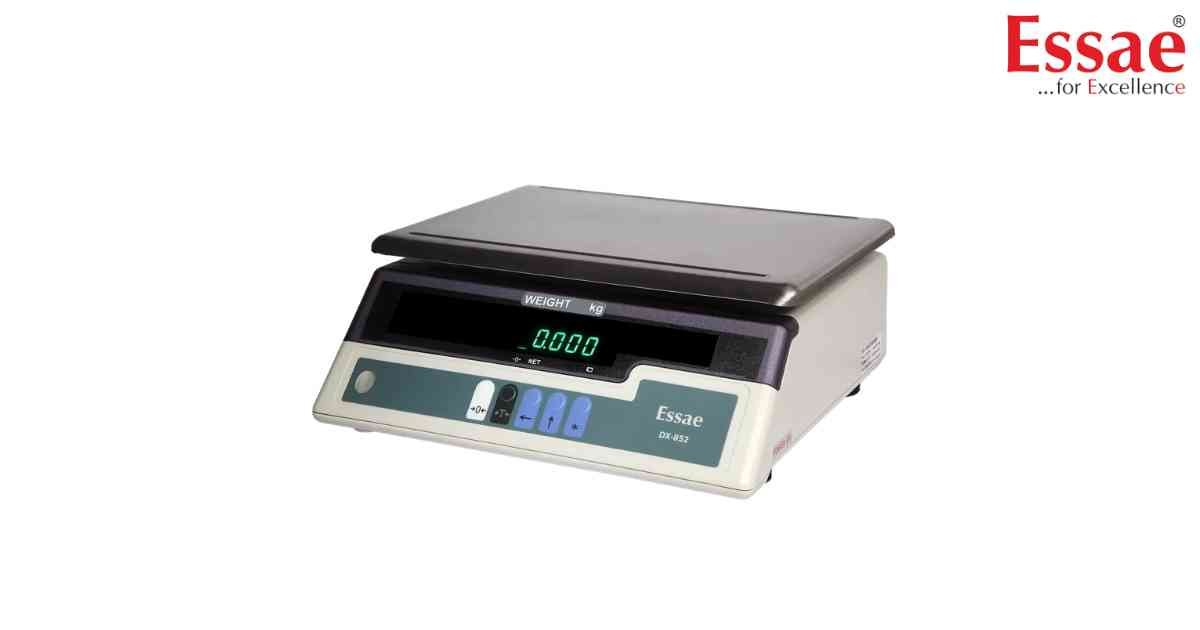
⚙️ Model Compatibility: Essae DS-852 & DS-852G.
Jewelry trading often requires toggling between Grams (g) and Carats (ct).
Procedure:
1. Press the [UNIT] or [MODE] key.
2. The display will toggle between available units (e.g., g, ct, oz).
3. Select the desired unit and press [ENTER] or [TARE] to save.
Note: When in Carat mode, the scale will typically display up to two decimal places (e.g., 0.01 ct) depending on your specific model's resolution. Always ensure the scale is properly calibrated for the unit you intend to use for trading.
Jewelry trading often requires toggling between Grams (g) and Carats (ct).
Procedure:
1. Press the [UNIT] or [MODE] key.
2. The display will toggle between available units (e.g., g, ct, oz).
3. Select the desired unit and press [ENTER] or [TARE] to save.
Note: When in Carat mode, the scale will typically display up to two decimal places (e.g., 0.01 ct) depending on your specific model's resolution. Always ensure the scale is properly calibrated for the unit you intend to use for trading.
Looking for a new weighing machine?
Upgrade your operations with our latest high-precision scales. We offer a wide catalog of reliable and certified machines.
Related Calibration Guides
