How to Perform Calibration on Essae DS-415 Scale
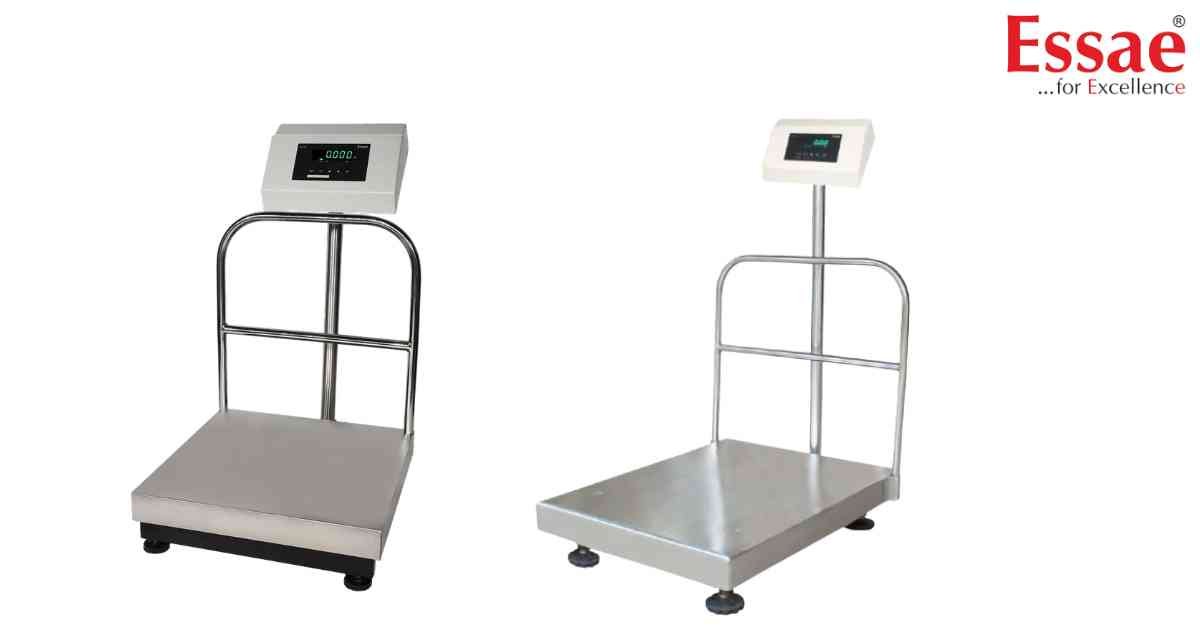
⚙️ Model Compatibility: Essae DS-415 & DS-415N.
To maintain accuracy for retail trading, perform this calibration using a certified test weight of at least 1/3rd of the scale's total capacity.
Calibration Sequence:
1. Turn the scale OFF.
2. Press and hold the [REZERO] key while turning the power switch ON. The display will show a count-down or a hidden internal count.
3. When "CAL" appears on the display, release the [REZERO] key.
4. Press the [TARE] or [ENTER] key to confirm.
5. The screen will ask you to enter the capacity weight (e.g., 10.000 for 10kg). Use the numeric keys to enter the value.
6. Place the weight on the center of the platter.
7. Wait for the scale to stabilize, then press the [TARE] or [ENTER] key again to lock in the calibration.
8. Remove the weight. The scale will return to normal weighing mode.
To maintain accuracy for retail trading, perform this calibration using a certified test weight of at least 1/3rd of the scale's total capacity.
Calibration Sequence:
1. Turn the scale OFF.
2. Press and hold the [REZERO] key while turning the power switch ON. The display will show a count-down or a hidden internal count.
3. When "CAL" appears on the display, release the [REZERO] key.
4. Press the [TARE] or [ENTER] key to confirm.
5. The screen will ask you to enter the capacity weight (e.g., 10.000 for 10kg). Use the numeric keys to enter the value.
6. Place the weight on the center of the platter.
7. Wait for the scale to stabilize, then press the [TARE] or [ENTER] key again to lock in the calibration.
8. Remove the weight. The scale will return to normal weighing mode.
Looking for a new weighing machine?
Upgrade your operations with our latest high-precision scales. We offer a wide catalog of reliable and certified machines.
Related Calibration Guides
