Essae DS-215N Zero Calibration Procedure
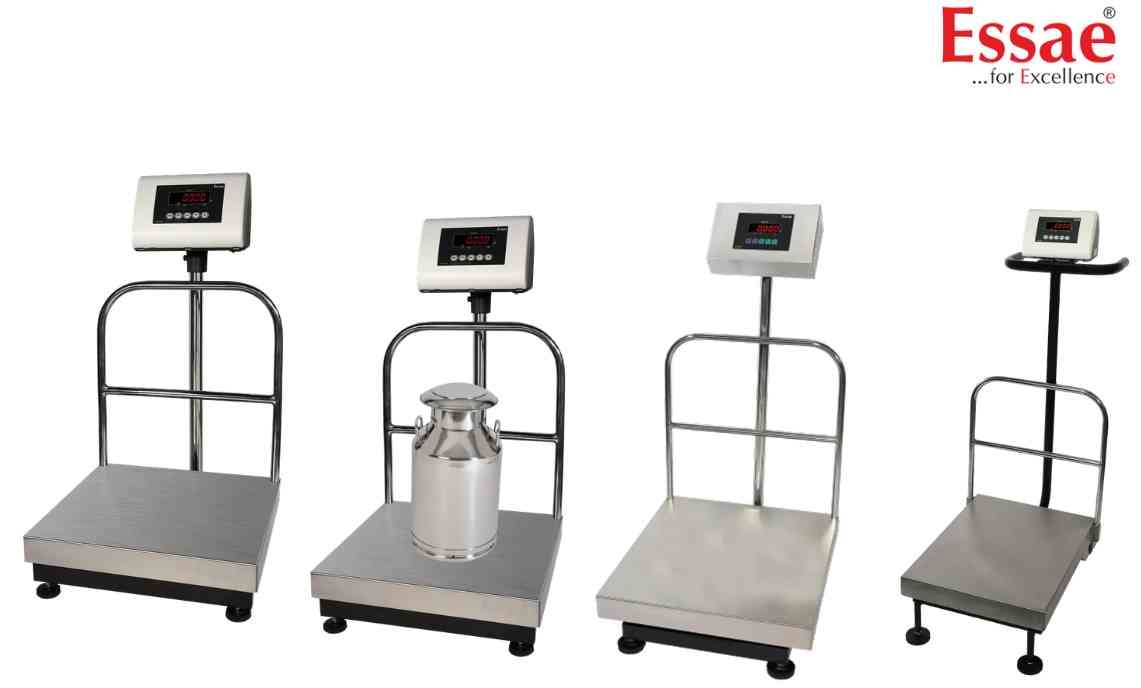
Zero calibration establishes the empty platform reference point for accurate weighing.
Procedure
1.) Remove all load from platform.
2.) Check platform movement.
3.) Ensure no object touches the platform.
4.) Enter calibration mode.
5.) Navigate to CAL00.
6.) Confirm platform is empty.
7.) Start Zero Calibration.
8.) Wait for calibration completion.
9.) Verify zero display.
10.) Continue to span calibration if required.
When Required
1.) After installation.
2.) After load cell replacement.
3.) Following service activity.
4.) If zero drift is observed.
Precautions
1.) Avoid vibration.
2.) Avoid airflow.
3.) Use stable power supply.
4.) Keep platform clean.
Procedure
1.) Remove all load from platform.
2.) Check platform movement.
3.) Ensure no object touches the platform.
4.) Enter calibration mode.
5.) Navigate to CAL00.
6.) Confirm platform is empty.
7.) Start Zero Calibration.
8.) Wait for calibration completion.
9.) Verify zero display.
10.) Continue to span calibration if required.
When Required
1.) After installation.
2.) After load cell replacement.
3.) Following service activity.
4.) If zero drift is observed.
Precautions
1.) Avoid vibration.
2.) Avoid airflow.
3.) Use stable power supply.
4.) Keep platform clean.
Looking for a new weighing machine?
Upgrade your operations with our latest high-precision scales. We offer a wide catalog of reliable and certified machines.
Related Calibration Guides
