Essae DS-215N Single Key Calibration Guide
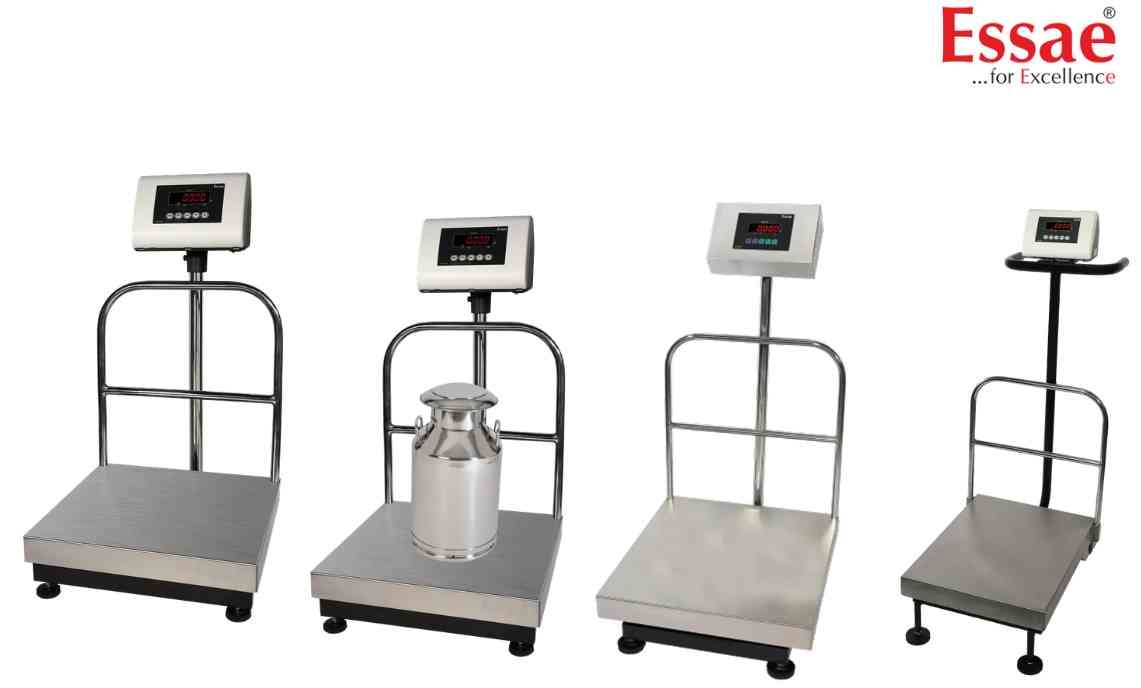
The DS-215N supports simplified single-key calibration for quick setup and field servicing.
Procedure
1.) Enter calibration mode.
2.) Press and hold the REZERO key.
3.) Select required platform capacity.
4.) Confirm selected capacity.
5.) Wait for CAP LOADED message.
6.) Enter calibration mode.
7.) Perform Zero Calibration with empty platform.
8.) Wait for CAL SP indication.
9.) Place calibration weight.
10.) Complete Span Calibration.
11.) Wait for CAL OVR message.
12.) Verify displayed weight.
Benefits
1.) Faster setup.
2.) Reduced service time.
3.) Simple capacity selection.
4.) Easy field calibration.
Procedure
1.) Enter calibration mode.
2.) Press and hold the REZERO key.
3.) Select required platform capacity.
4.) Confirm selected capacity.
5.) Wait for CAP LOADED message.
6.) Enter calibration mode.
7.) Perform Zero Calibration with empty platform.
8.) Wait for CAL SP indication.
9.) Place calibration weight.
10.) Complete Span Calibration.
11.) Wait for CAL OVR message.
12.) Verify displayed weight.
Benefits
1.) Faster setup.
2.) Reduced service time.
3.) Simple capacity selection.
4.) Easy field calibration.
Looking for a new weighing machine?
Upgrade your operations with our latest high-precision scales. We offer a wide catalog of reliable and certified machines.
Related Calibration Guides
