Essae DS-215N Re-Zero Function Guide
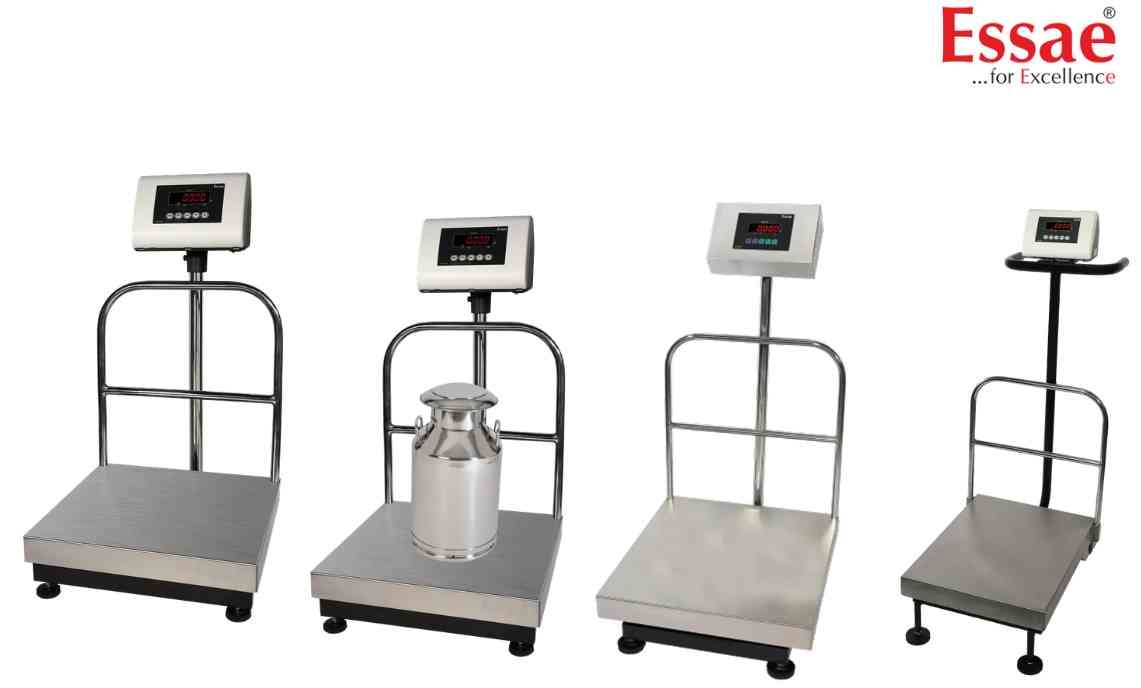
The Re-Zero function restores the display to zero when minor weight deviations occur.
Procedure
1.) Ensure no unwanted load is present.
2.) Verify platform movement.
3.) Press the REZERO key.
4.) Wait for the display to return to zero.
5.) Confirm stable indication.
When to Use
1.) Minor weight drift.
2.) Environmental changes.
3.) Routine operation.
Benefits
1.) Improved weighing accuracy.
2.) Faster operation.
3.) Reduced operator intervention.
Limitations
Re-Zero should not be used to compensate for large weighing errors.
Procedure
1.) Ensure no unwanted load is present.
2.) Verify platform movement.
3.) Press the REZERO key.
4.) Wait for the display to return to zero.
5.) Confirm stable indication.
When to Use
1.) Minor weight drift.
2.) Environmental changes.
3.) Routine operation.
Benefits
1.) Improved weighing accuracy.
2.) Faster operation.
3.) Reduced operator intervention.
Limitations
Re-Zero should not be used to compensate for large weighing errors.
Looking for a new weighing machine?
Upgrade your operations with our latest high-precision scales. We offer a wide catalog of reliable and certified machines.
Related Calibration Guides
