Essae DS-215N One Touch Tare Guide
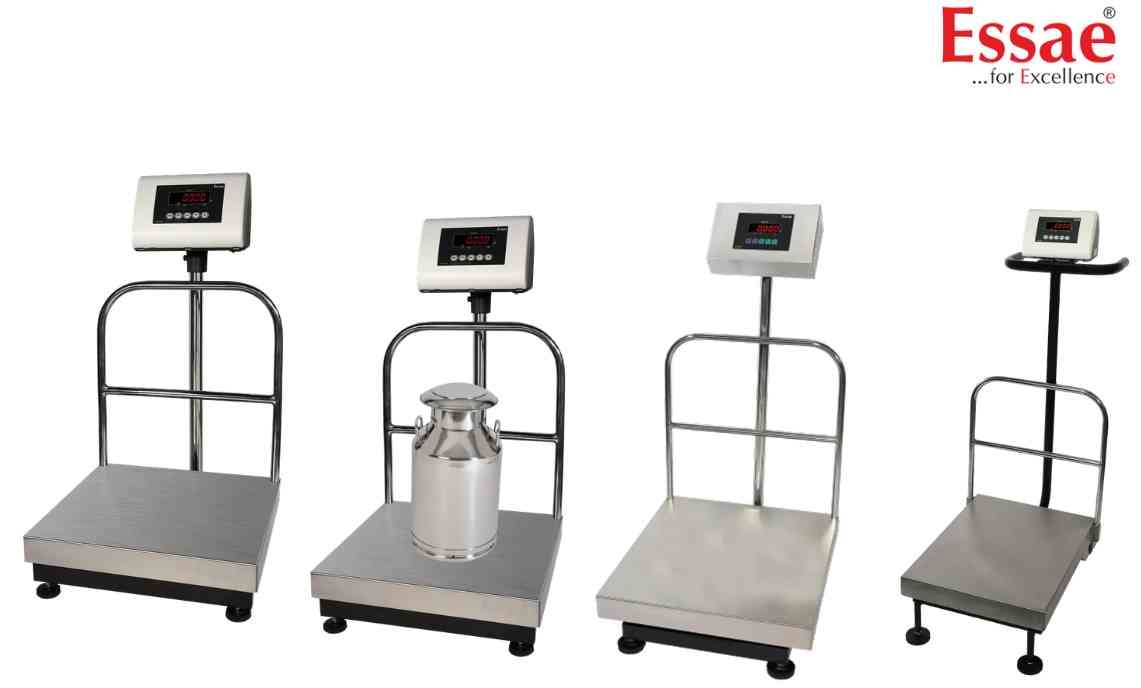
One Touch Tare allows quick removal of container weight from the displayed value.
Procedure
1.) Switch ON the scale.
2.) Ensure the display shows zero.
3.) Place the empty container on the platform.
4.) Wait for the STABLE indication.
5.) Press the TARE key.
6.) The display returns to zero.
7.) Add product into the container.
8.) Read the net weight directly.
Applications
1.) Packaging operations.
2.) Chemical weighing.
3.) Warehouse weighing.
4.) Manufacturing processes.
Benefits
1.) Faster operation.
2.) Accurate net weight.
3.) Reduced calculation errors.
Precautions
1.) Tare only stable containers.
2.) Verify zero display after pressing TARE.
Procedure
1.) Switch ON the scale.
2.) Ensure the display shows zero.
3.) Place the empty container on the platform.
4.) Wait for the STABLE indication.
5.) Press the TARE key.
6.) The display returns to zero.
7.) Add product into the container.
8.) Read the net weight directly.
Applications
1.) Packaging operations.
2.) Chemical weighing.
3.) Warehouse weighing.
4.) Manufacturing processes.
Benefits
1.) Faster operation.
2.) Accurate net weight.
3.) Reduced calculation errors.
Precautions
1.) Tare only stable containers.
2.) Verify zero display after pressing TARE.
Looking for a new weighing machine?
Upgrade your operations with our latest high-precision scales. We offer a wide catalog of reliable and certified machines.
Related Calibration Guides
