Essae DS-215N Internal Count Verification Guide
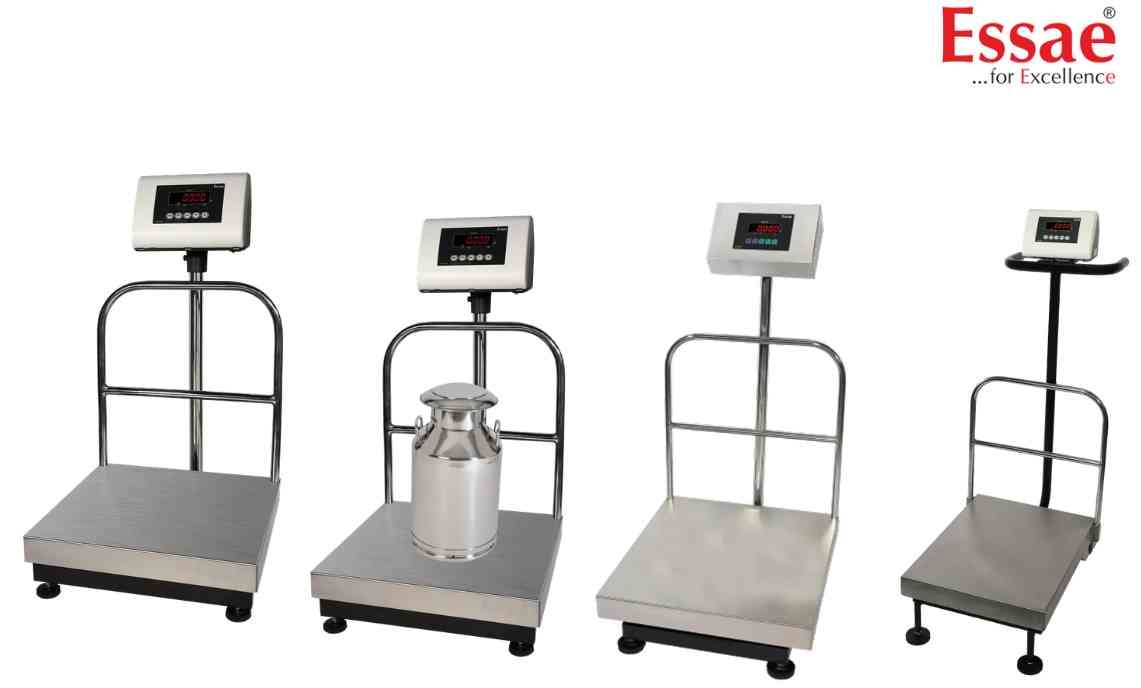
Internal count verification helps diagnose load cell and indicator health by monitoring ADC counts.
Procedure
1.) Enter S-ON mode.
2.) Access Internal Count menu.
3.) View ADC internal counts.
4.) Observe count stability.
5.) Compare counts with platform loading.
6.) Apply known weight.
7.) Verify count increase.
8.) Remove weight.
9.) Verify count returns correctly.
10.) Exit diagnostic mode.
Common Findings
1.) Stable counts indicate healthy electronics.
2.) Fluctuating counts may indicate electrical noise.
3.) Fixed counts may indicate load cell failure.
4.) Abnormal counts may indicate ADC issues.
Applications
1.) Service diagnostics.
2.) Load cell troubleshooting.
3.) Calibration verification.
4.) Preventive maintenance.
Procedure
1.) Enter S-ON mode.
2.) Access Internal Count menu.
3.) View ADC internal counts.
4.) Observe count stability.
5.) Compare counts with platform loading.
6.) Apply known weight.
7.) Verify count increase.
8.) Remove weight.
9.) Verify count returns correctly.
10.) Exit diagnostic mode.
Common Findings
1.) Stable counts indicate healthy electronics.
2.) Fluctuating counts may indicate electrical noise.
3.) Fixed counts may indicate load cell failure.
4.) Abnormal counts may indicate ADC issues.
Applications
1.) Service diagnostics.
2.) Load cell troubleshooting.
3.) Calibration verification.
4.) Preventive maintenance.
Looking for a new weighing machine?
Upgrade your operations with our latest high-precision scales. We offer a wide catalog of reliable and certified machines.
Related Calibration Guides
