Essae DS-215N Hold Function Guide
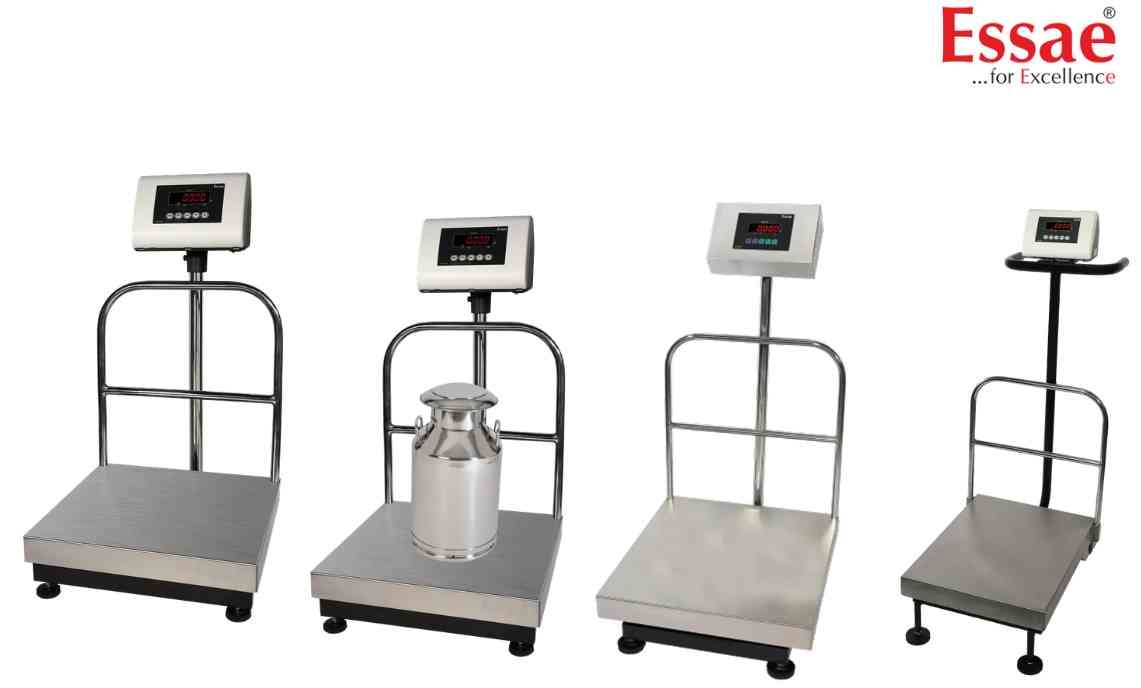
The Hold Function captures and freezes the displayed weight for easier reading.
Procedure
1.) Place load on platform.
2.) Wait for stable indication.
3.) Activate HOLD function.
4.) Display freezes the measured value.
5.) Record the weight.
6.) Release HOLD mode.
Applications
1.) Animal weighing.
2.) Moving loads.
3.) Logistics operations.
4.) Industrial weighing.
Benefits
1.) Easy reading of unstable loads.
2.) Improved operator convenience.
3.) Faster weight recording.
Precautions
1.) Verify weight stability before activating HOLD.
2.) Release HOLD before the next measurement.
Procedure
1.) Place load on platform.
2.) Wait for stable indication.
3.) Activate HOLD function.
4.) Display freezes the measured value.
5.) Record the weight.
6.) Release HOLD mode.
Applications
1.) Animal weighing.
2.) Moving loads.
3.) Logistics operations.
4.) Industrial weighing.
Benefits
1.) Easy reading of unstable loads.
2.) Improved operator convenience.
3.) Faster weight recording.
Precautions
1.) Verify weight stability before activating HOLD.
2.) Release HOLD before the next measurement.
Looking for a new weighing machine?
Upgrade your operations with our latest high-precision scales. We offer a wide catalog of reliable and certified machines.
Related Calibration Guides
