Essae DS-215N Digital Tare Guide
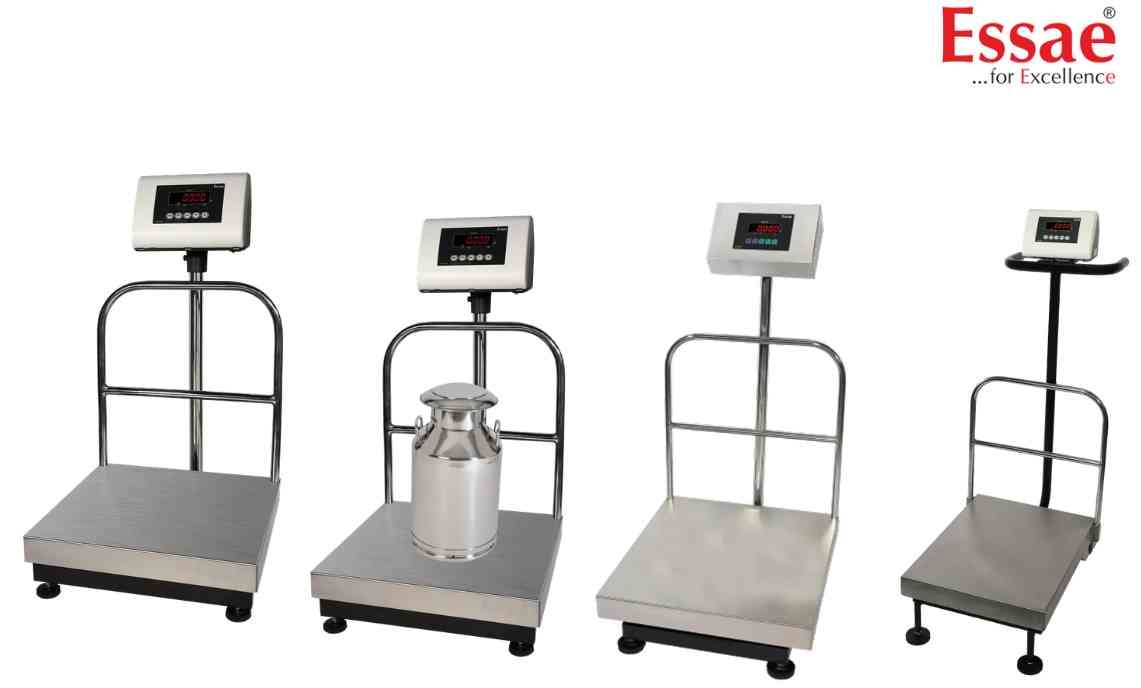
Digital Tare allows manual entry of a predefined tare value without placing the container on the platform.
Procedure
1.) Enter Digital Tare mode.
2.) Select the digit position.
3.) Enter the tare value.
4.) Confirm the value.
5.) Save the setting.
6.) Return to weighing mode.
7.) Verify NET indication.
Applications
1.) Standard containers.
2.) Repetitive production weighing.
3.) Bulk packaging.
4.) Logistics operations.
Advantages
1.) Faster weighing.
2.) Consistent tare values.
3.) Improved productivity.
Best Practice
Verify the entered tare value before starting production.
Procedure
1.) Enter Digital Tare mode.
2.) Select the digit position.
3.) Enter the tare value.
4.) Confirm the value.
5.) Save the setting.
6.) Return to weighing mode.
7.) Verify NET indication.
Applications
1.) Standard containers.
2.) Repetitive production weighing.
3.) Bulk packaging.
4.) Logistics operations.
Advantages
1.) Faster weighing.
2.) Consistent tare values.
3.) Improved productivity.
Best Practice
Verify the entered tare value before starting production.
Looking for a new weighing machine?
Upgrade your operations with our latest high-precision scales. We offer a wide catalog of reliable and certified machines.
Related Calibration Guides
