Essae DS-215N Capacity Configuration Guide
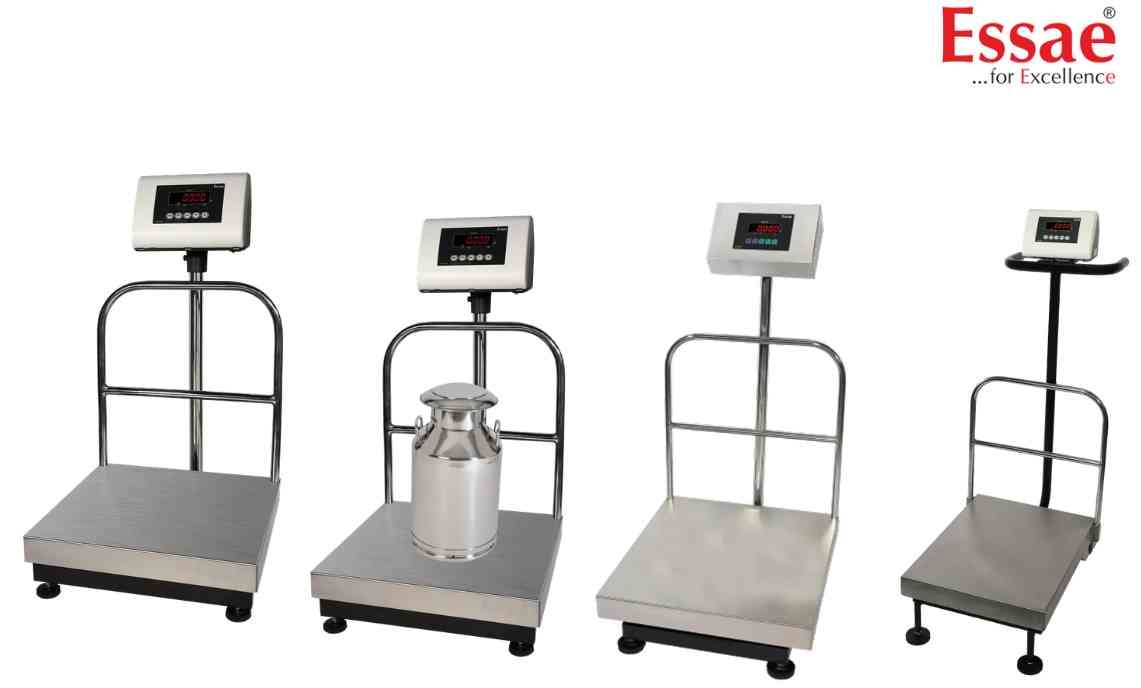
Capacity configuration determines the maximum weighing range of the platform.
Procedure
1.) Enter service setup mode.
2.) Navigate to Capacity Setting.
3.) Select required capacity.
4.) Verify graduation value.
5.) Save settings.
6.) Restart the indicator.
7.) Verify displayed capacity.
Common Capacities
1.) 30 kg
2.) 60 kg
3.) 100 kg
4.) 150 kg
5.) 300 kg
6.) 600 kg
7.) 1000 kg
8.) 2000 kg
Precautions
1.) Capacity must match platform rating.
2.) Incorrect settings may affect calibration.
3.) Recalibration may be required after changes.
Applications
1.) Indicator replacement.
2.) Platform replacement.
3.) Capacity upgrades.
Procedure
1.) Enter service setup mode.
2.) Navigate to Capacity Setting.
3.) Select required capacity.
4.) Verify graduation value.
5.) Save settings.
6.) Restart the indicator.
7.) Verify displayed capacity.
Common Capacities
1.) 30 kg
2.) 60 kg
3.) 100 kg
4.) 150 kg
5.) 300 kg
6.) 600 kg
7.) 1000 kg
8.) 2000 kg
Precautions
1.) Capacity must match platform rating.
2.) Incorrect settings may affect calibration.
3.) Recalibration may be required after changes.
Applications
1.) Indicator replacement.
2.) Platform replacement.
3.) Capacity upgrades.
Looking for a new weighing machine?
Upgrade your operations with our latest high-precision scales. We offer a wide catalog of reliable and certified machines.
Related Calibration Guides
