Essae DS-215N Calibration Procedure
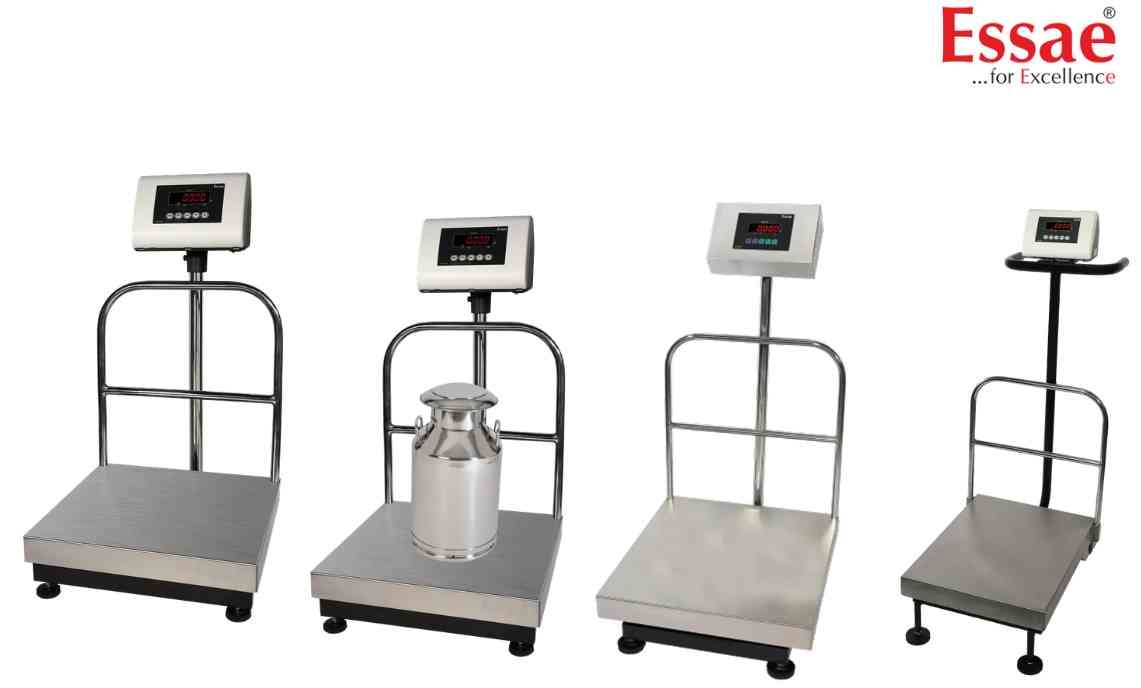
The DS-215N calibration procedure is used to restore weighing accuracy after installation, load cell replacement, servicing or periodic verification.
Procedure
1.) Switch OFF the weighing scale.
2.) Ensure the platform is empty.
3.) Enter S-ON mode using the service key sequence.
4.) Navigate to Full Scale (FS) calibration.
5.) Verify the displayed capacity value.
6.) Start Zero Calibration.
7.) Wait until CAL SP appears.
8.) Place certified calibration weights on the platform.
9.) Start Span Calibration.
10.) Wait for calibration completion.
11.) Remove calibration weights.
12.) Verify weighing accuracy at multiple points.
13.) Save calibration settings.
14.) Return to weighing mode.
Recommendations
1.) Use certified test weights.
2.) Ensure stable power supply.
3.) Avoid vibration during calibration.
4.) Perform annual calibration verification.
Procedure
1.) Switch OFF the weighing scale.
2.) Ensure the platform is empty.
3.) Enter S-ON mode using the service key sequence.
4.) Navigate to Full Scale (FS) calibration.
5.) Verify the displayed capacity value.
6.) Start Zero Calibration.
7.) Wait until CAL SP appears.
8.) Place certified calibration weights on the platform.
9.) Start Span Calibration.
10.) Wait for calibration completion.
11.) Remove calibration weights.
12.) Verify weighing accuracy at multiple points.
13.) Save calibration settings.
14.) Return to weighing mode.
Recommendations
1.) Use certified test weights.
2.) Ensure stable power supply.
3.) Avoid vibration during calibration.
4.) Perform annual calibration verification.
Looking for a new weighing machine?
Upgrade your operations with our latest high-precision scales. We offer a wide catalog of reliable and certified machines.
Related Calibration Guides
