How to Perform Single Key Calibration on Essae DS-215HD
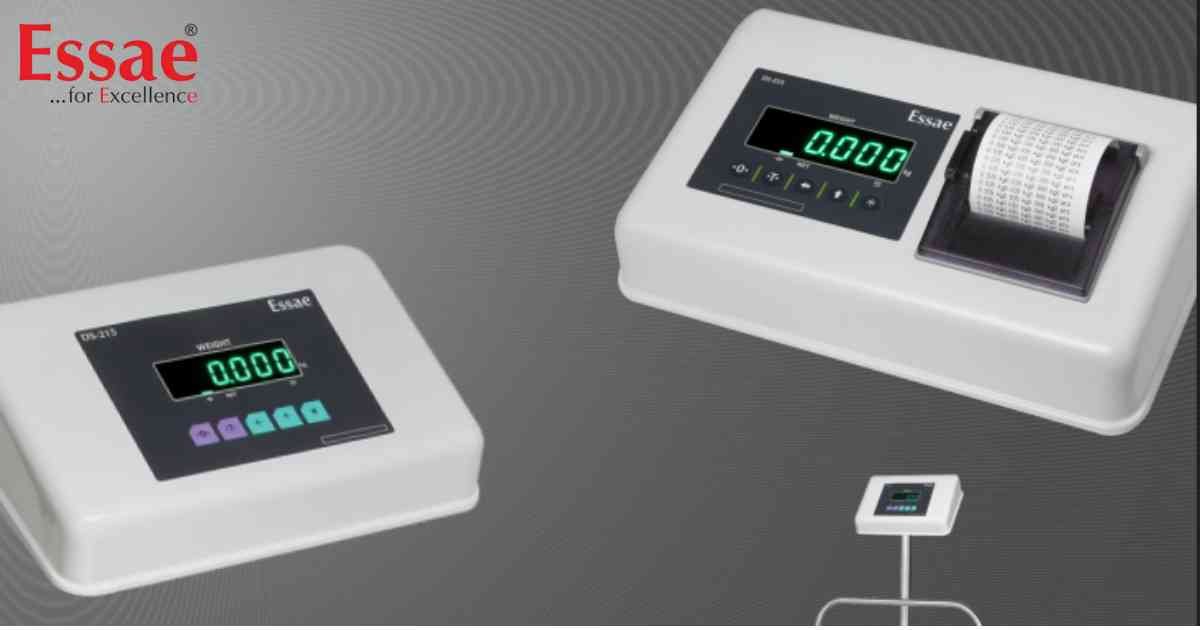
⚙️ Model Compatibility: Essae DS-215HD (Newer Firmware Versions).
The DS-215HD introduced a streamlined "Single Key" calibration process, allowing technicians to set capacity, accuracy, and span weights using primarily long and short presses of the [REZERO] key.
Step-by-Step Single Key Calibration:
1. Access S-ON Mode: Enter the standard calibration sequence to display "S-ON".
2. Enter Capacity Mode: While "S-ON" is displayed, LONG PRESS (hold for 5 seconds) the [REZERO] key until the display shows "CAP", then release.
3. Select Capacity: The display will toggle between "CAP" and the current capacity (e.g., 150.00). To change it, SHORT PRESS (tap) the [REZERO] key to cycle through available capacities (60.00, 150.00, 300.00).
4. Save Capacity: Once your desired capacity is on screen, LONG PRESS [REZERO] until the screen says "CAP LOADED".
5. Calibration Weight Selection: The screen will now show "FS" and a default test weight (usually 1/3rd of capacity).
- To calibrate with this exact weight, LONG PRESS [REZERO] until the screen says "CAL00".
- To change the test weight, SHORT PRESS [REZERO]. The screen enters "KEYCAL" mode. Every short press adds 5kg to the test weight. Once you reach your physical test weight amount, LONG PRESS [REZERO] to enter "CAL00".
6. Zero Calibration: At "CAL00", ensure the platter is completely empty. LONG PRESS [REZERO] until the screen changes to "CAL SP".
7. Span Calibration: Place your physical test weight onto the scale. LONG PRESS [REZERO] until the display shows "CALOVR" (Calibration Over).
8. Release the key. The scale will return to normal weighing mode.
The DS-215HD introduced a streamlined "Single Key" calibration process, allowing technicians to set capacity, accuracy, and span weights using primarily long and short presses of the [REZERO] key.
Step-by-Step Single Key Calibration:
1. Access S-ON Mode: Enter the standard calibration sequence to display "S-ON".
2. Enter Capacity Mode: While "S-ON" is displayed, LONG PRESS (hold for 5 seconds) the [REZERO] key until the display shows "CAP", then release.
3. Select Capacity: The display will toggle between "CAP" and the current capacity (e.g., 150.00). To change it, SHORT PRESS (tap) the [REZERO] key to cycle through available capacities (60.00, 150.00, 300.00).
4. Save Capacity: Once your desired capacity is on screen, LONG PRESS [REZERO] until the screen says "CAP LOADED".
5. Calibration Weight Selection: The screen will now show "FS" and a default test weight (usually 1/3rd of capacity).
- To calibrate with this exact weight, LONG PRESS [REZERO] until the screen says "CAL00".
- To change the test weight, SHORT PRESS [REZERO]. The screen enters "KEYCAL" mode. Every short press adds 5kg to the test weight. Once you reach your physical test weight amount, LONG PRESS [REZERO] to enter "CAL00".
6. Zero Calibration: At "CAL00", ensure the platter is completely empty. LONG PRESS [REZERO] until the screen changes to "CAL SP".
7. Span Calibration: Place your physical test weight onto the scale. LONG PRESS [REZERO] until the display shows "CALOVR" (Calibration Over).
8. Release the key. The scale will return to normal weighing mode.
Looking for a new weighing machine?
Upgrade your operations with our latest high-precision scales. We offer a wide catalog of reliable and certified machines.
Related Calibration Guides
