How to Set the Date and Time on Essae DS-215HD
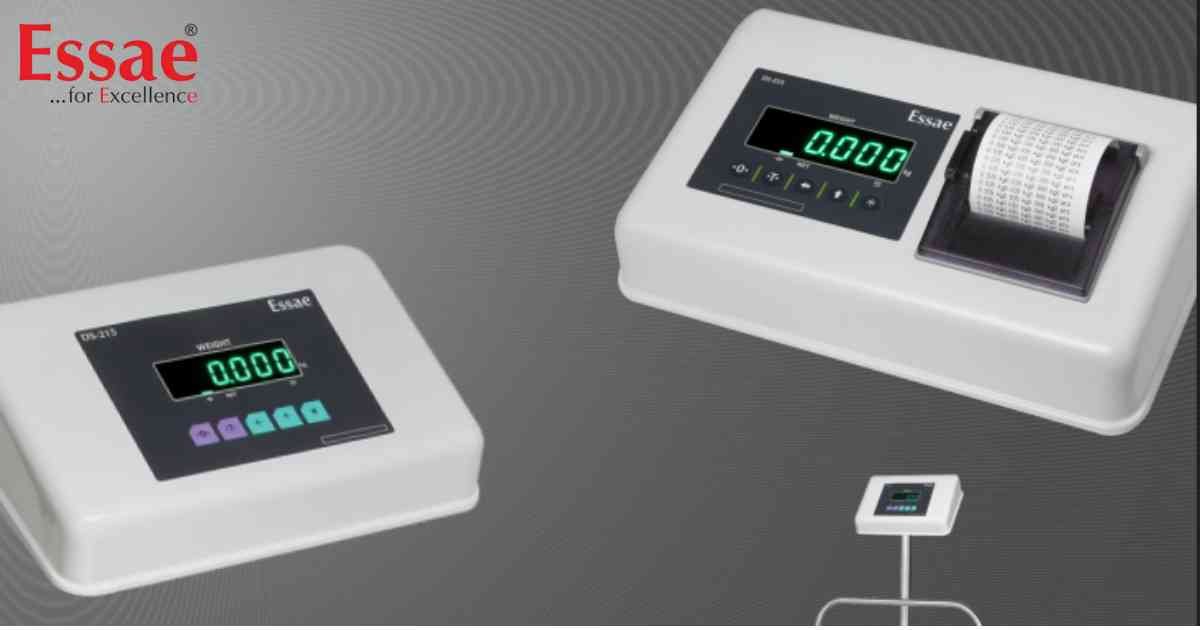
⚙️ Model Compatibility: Essae DS-215HD.
Because the DS-215HD logs up to 1000 transactions into its memory, maintaining an accurate Real-Time Clock (RTC) is essential for your printed receipts and data exports.
Time & Date Setup Procedure:
1. Ensure the scale is in normal weighing mode.
2. Press the following key combination rapidly: [REZERO] + [↑] + [↑] + [*].
3. The display will show the current Time in an HH.MM.SS format (Hours.Minutes.Seconds).
4. Use the [←] key to select a digit and the [↑] key to change its value to the correct current time.
5. Press the [*] key to save the time. The display will automatically switch to the Date format.
6. The Date is displayed in DD/MM/YY format. Update the digits using the [←] and [↑] keys.
7. Press the [*] key to save the date. (Pressing the Star key again will toggle back and forth between Time and Date views).
8. Once everything is correct, press the [T] (Tare) key to exit programming and return to normal weighing mode.
Because the DS-215HD logs up to 1000 transactions into its memory, maintaining an accurate Real-Time Clock (RTC) is essential for your printed receipts and data exports.
Time & Date Setup Procedure:
1. Ensure the scale is in normal weighing mode.
2. Press the following key combination rapidly: [REZERO] + [↑] + [↑] + [*].
3. The display will show the current Time in an HH.MM.SS format (Hours.Minutes.Seconds).
4. Use the [←] key to select a digit and the [↑] key to change its value to the correct current time.
5. Press the [*] key to save the time. The display will automatically switch to the Date format.
6. The Date is displayed in DD/MM/YY format. Update the digits using the [←] and [↑] keys.
7. Press the [*] key to save the date. (Pressing the Star key again will toggle back and forth between Time and Date views).
8. Once everything is correct, press the [T] (Tare) key to exit programming and return to normal weighing mode.
Looking for a new weighing machine?
Upgrade your operations with our latest high-precision scales. We offer a wide catalog of reliable and certified machines.
Related Calibration Guides
