Essae DC-85N Setpoint Programming Guide
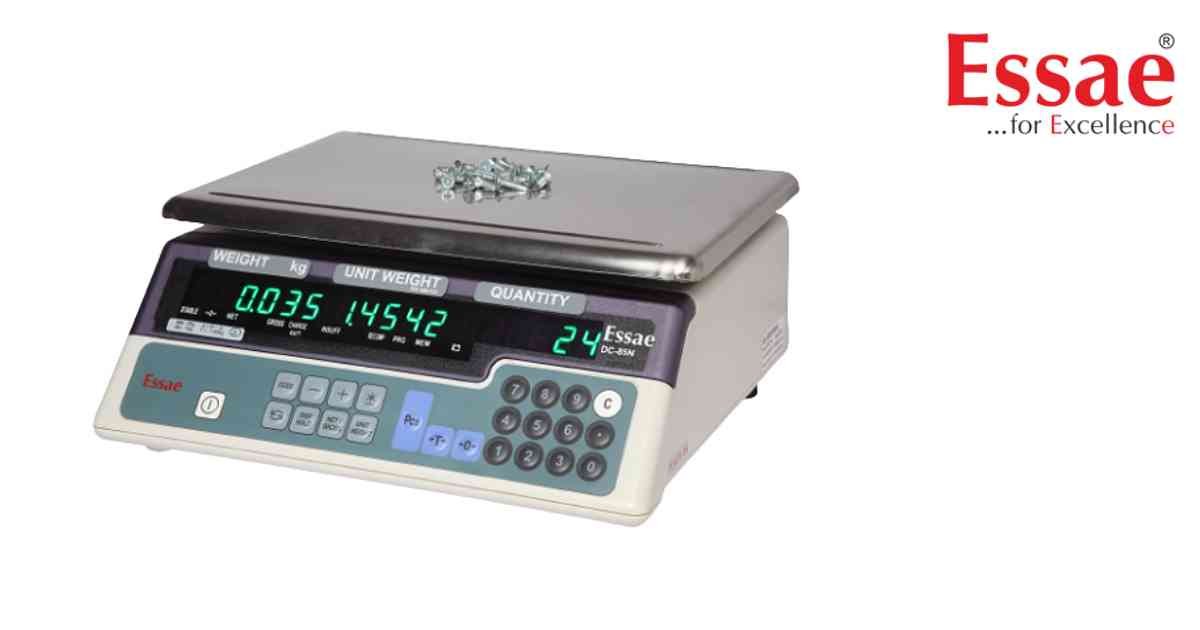
Setpoint Programming allows operators to create quantity alarms for counting applications.
Procedure
1.) Enter Program Mode.
2.) Press PLUS key.
3.) Select Setpoint Menu.
4.) Enter target quantity.
5.) Enter percentage warning level.
6.) Save settings.
7.) Return to weighing mode.
Applications
1.) Inventory counting.
2.) Packing operations.
3.) Production monitoring.
4.) Batch preparation.
Benefits
1.) Faster counting.
2.) Reduced operator errors.
3.) Automatic quantity alerts.
Procedure
1.) Enter Program Mode.
2.) Press PLUS key.
3.) Select Setpoint Menu.
4.) Enter target quantity.
5.) Enter percentage warning level.
6.) Save settings.
7.) Return to weighing mode.
Applications
1.) Inventory counting.
2.) Packing operations.
3.) Production monitoring.
4.) Batch preparation.
Benefits
1.) Faster counting.
2.) Reduced operator errors.
3.) Automatic quantity alerts.
Looking for a new weighing machine?
Upgrade your operations with our latest high-precision scales. We offer a wide catalog of reliable and certified machines.
Related Calibration Guides
